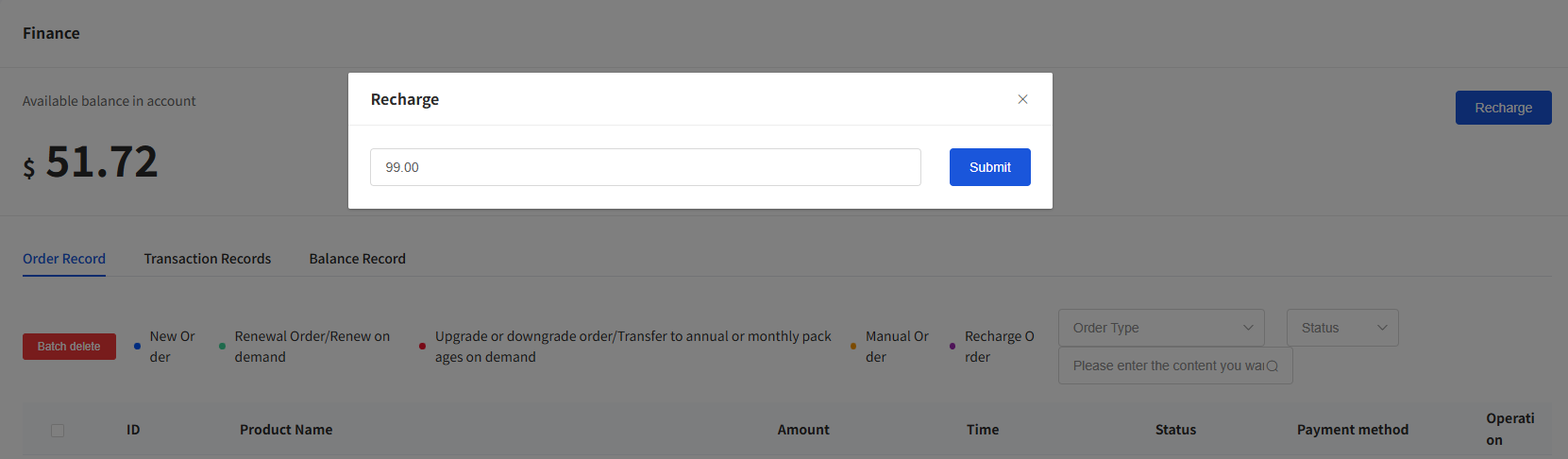
We recommend that you top up before purchasing to enjoy exclusive benefits such as top-up discounts and automatic renewal. We support payment methods including offline payment, USDT, bank cards, credit cards, Alipay, Google Pay, and OCGC.
· Top up in the Personal Center
· Top up in the Balance Record
Steps
1. Top up in the Personal Center
① Click the LuckVM LOGO in the upper left corner to enter the Personal Center.
Figure 1
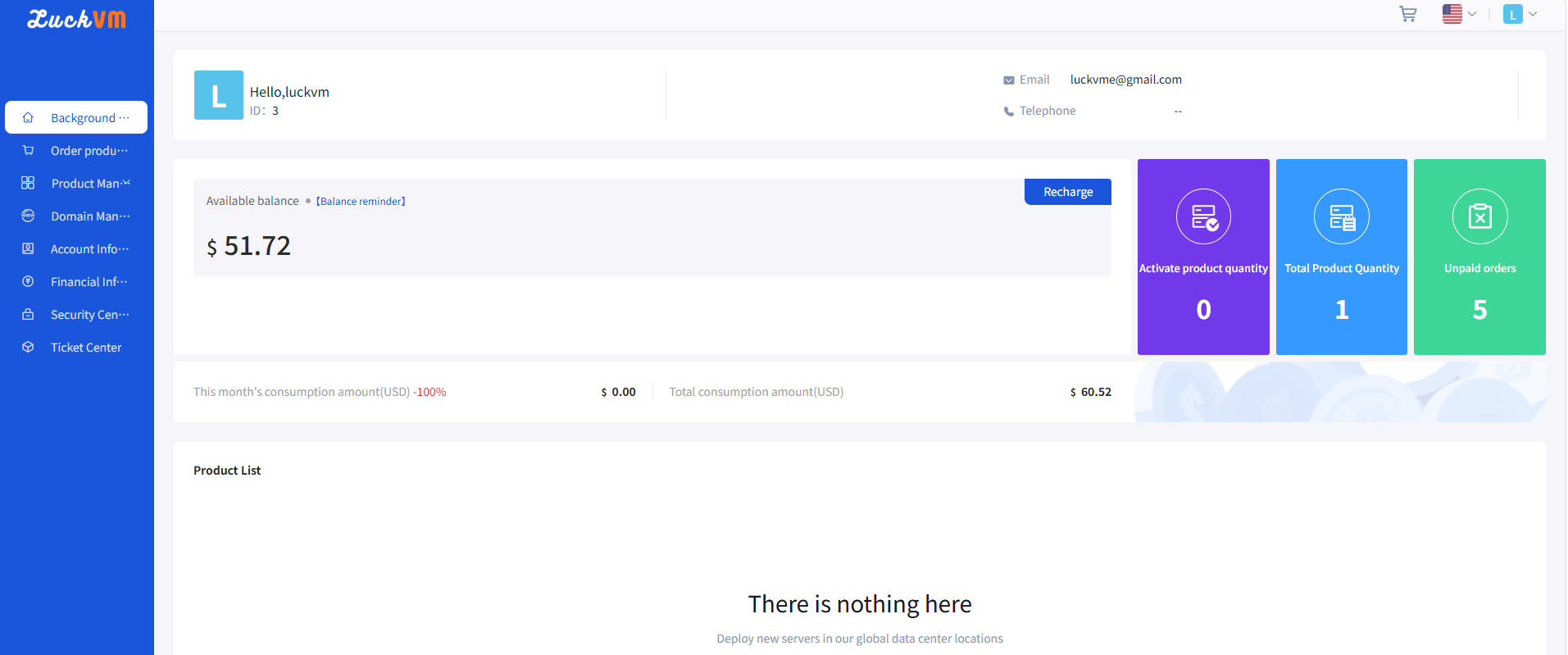
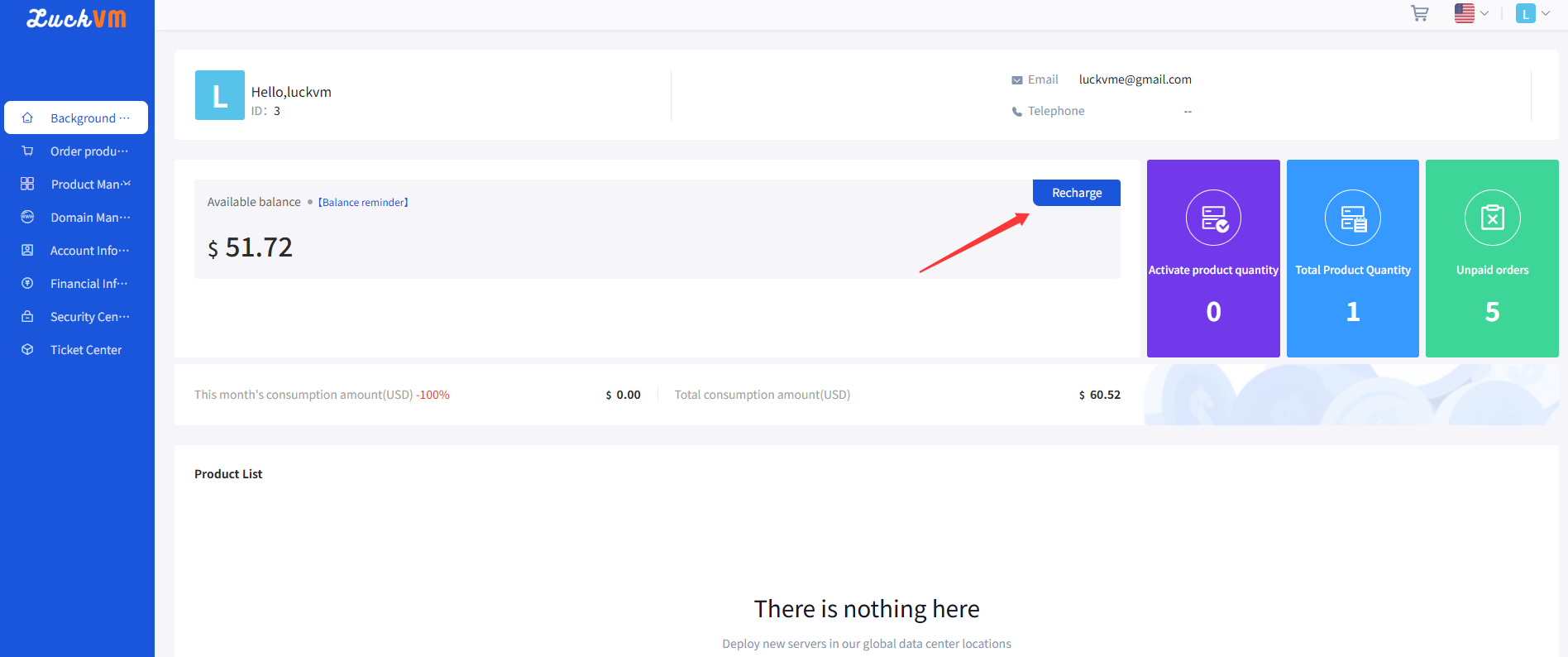
② In the “Statistics” module, click “Top up” .
Figure 2
③ In the pop-up window, select the payment method and enter the top-up amount.
Figure 3
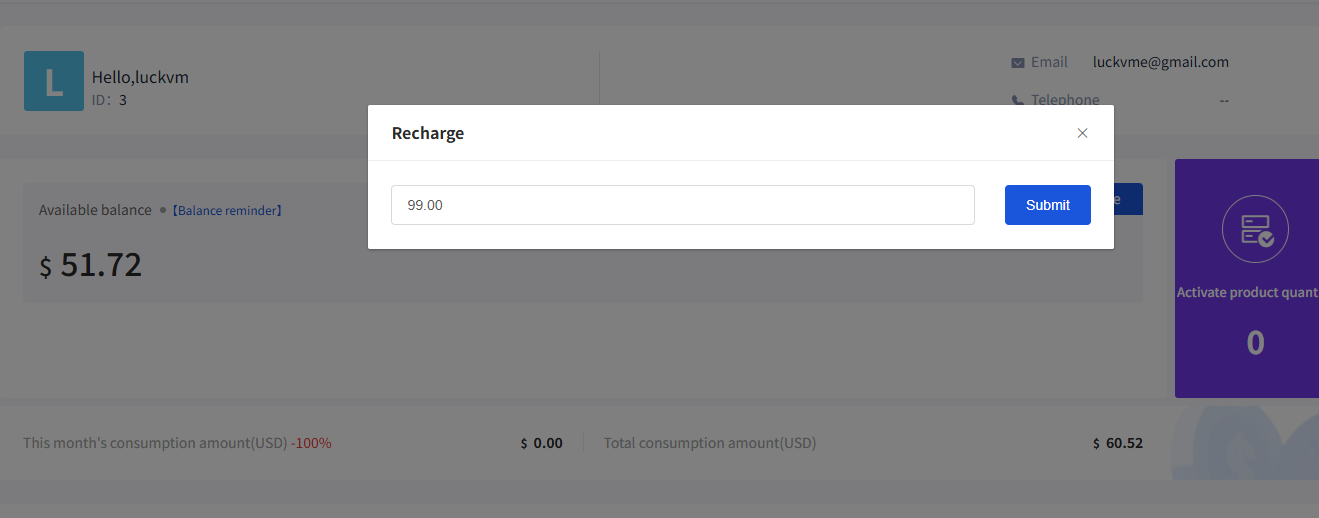
④ Click “Submit” on the right side of the top-up amount and follow the prompts to complete the payment.
Figure 4
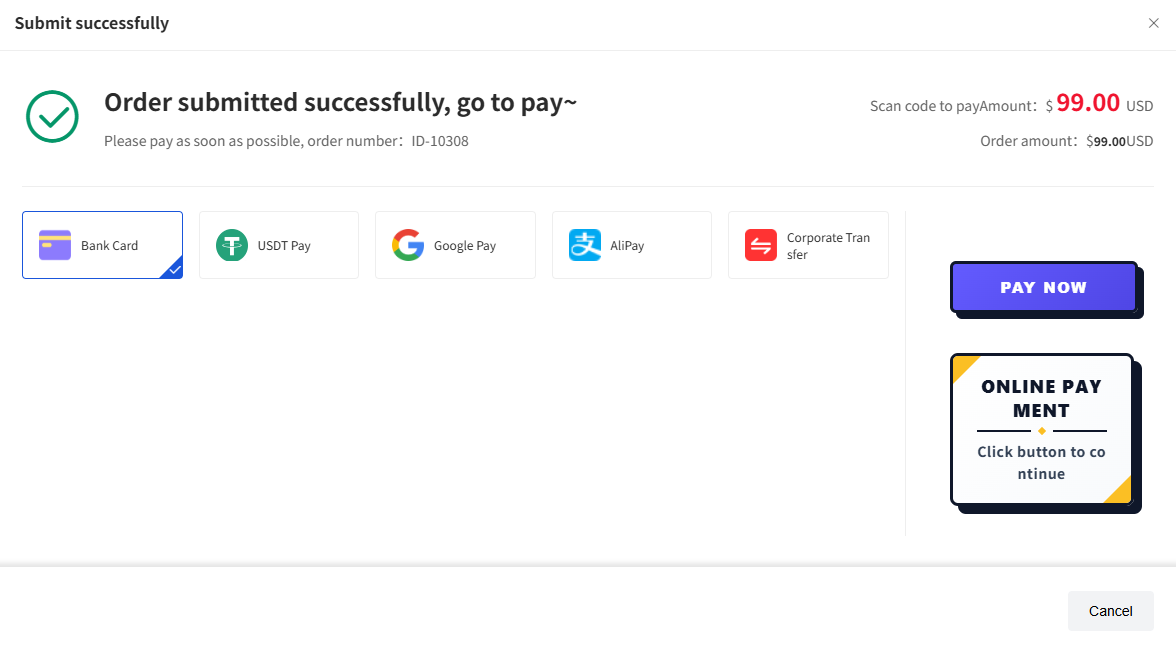
2. Top up in the Balance Record
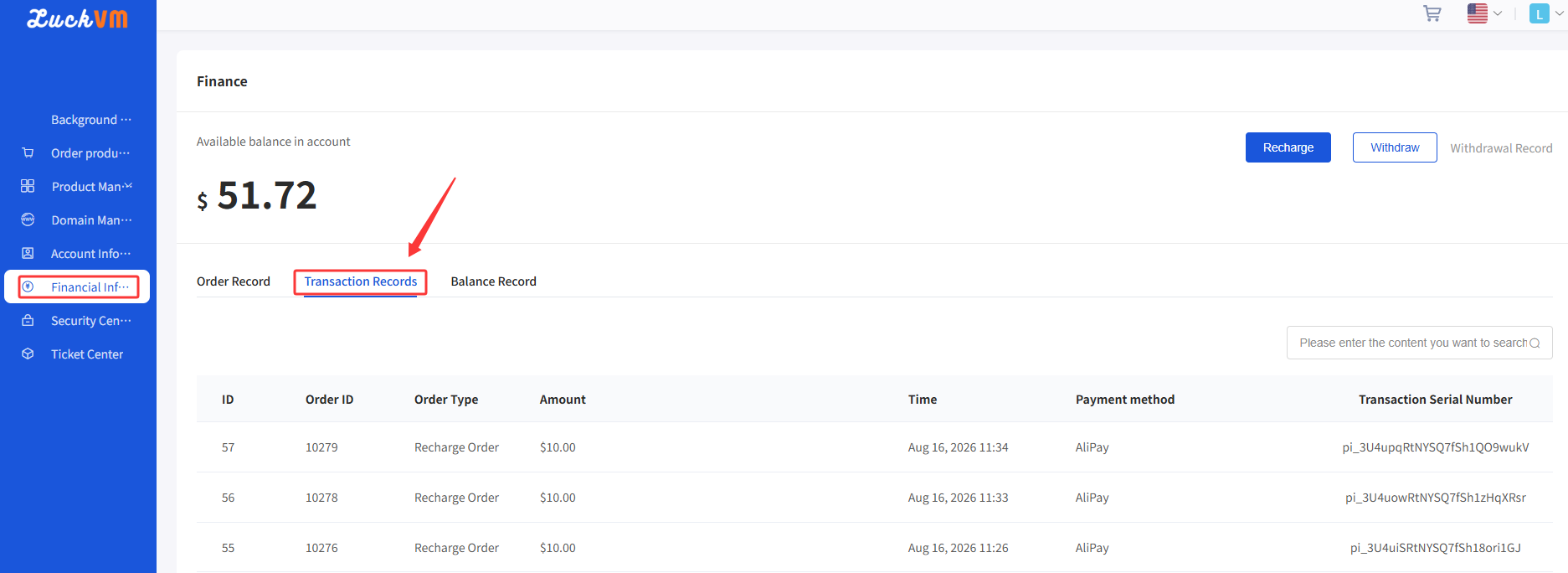
① Click “Financial Information” and select “Balance Record” to view the current balance and balance history.
Figure 5
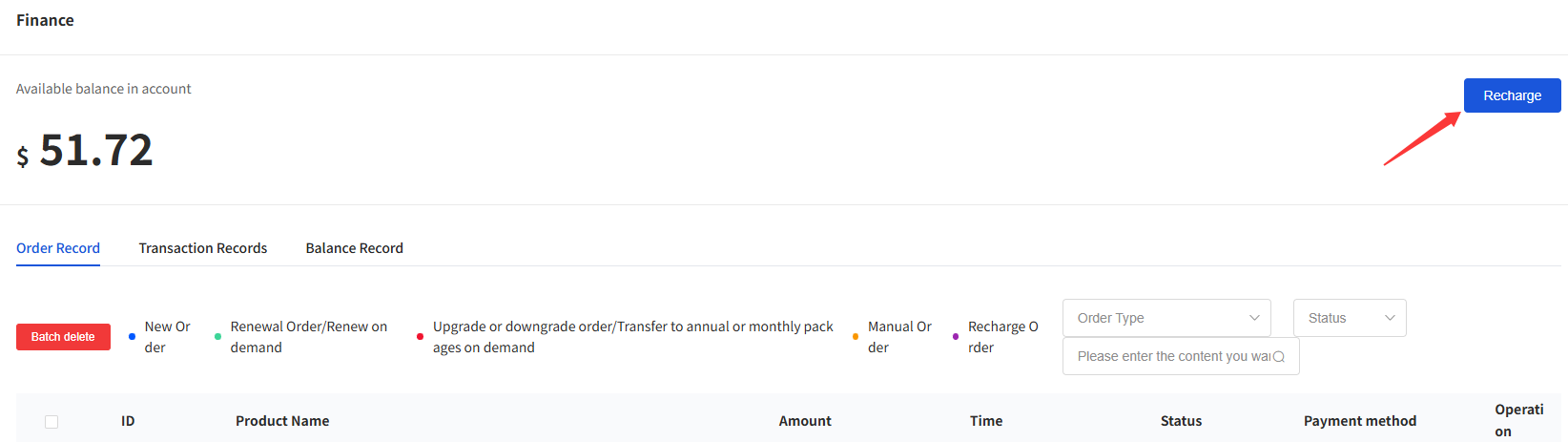
② Click “Top up” in the upper right corner.
Figure 6
③ Follow the prompts in the pop-up window to select the payment method, enter the payment amount, click submit, and complete the payment.
Figure 7