Steps
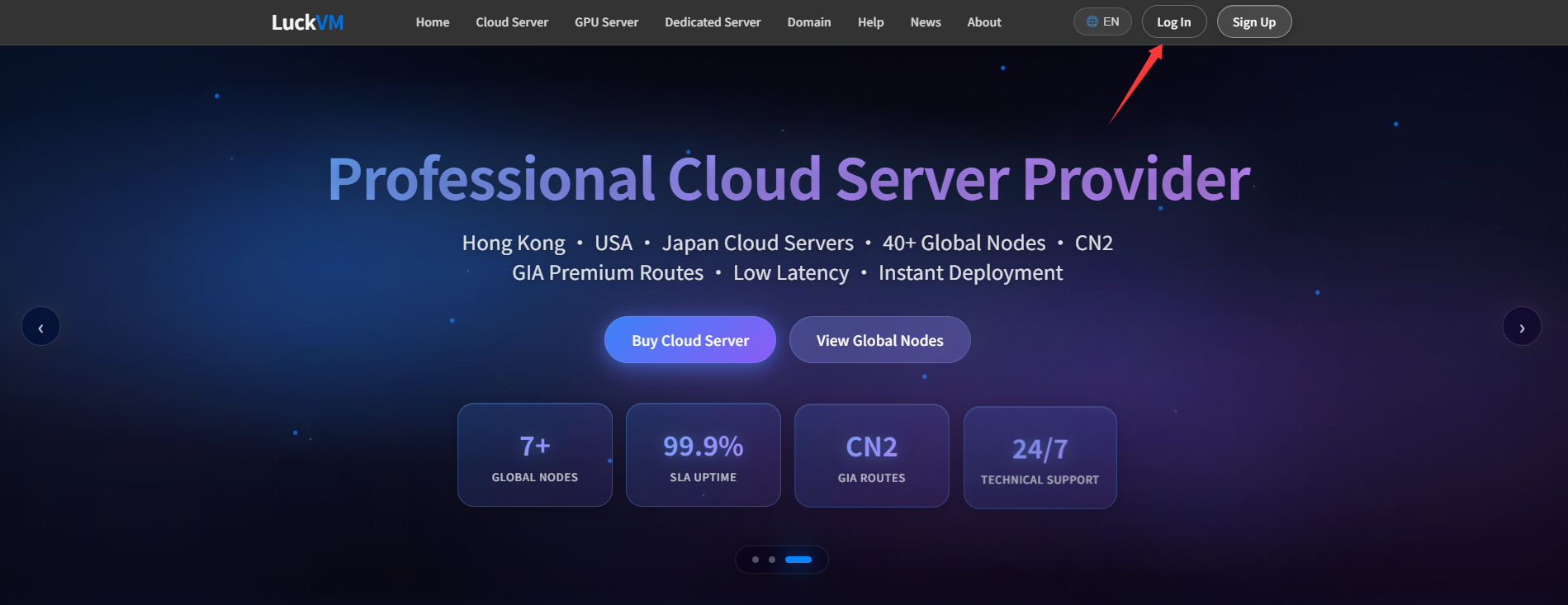
① Visit luckvm.com and select “Register” in the upper-right corner.
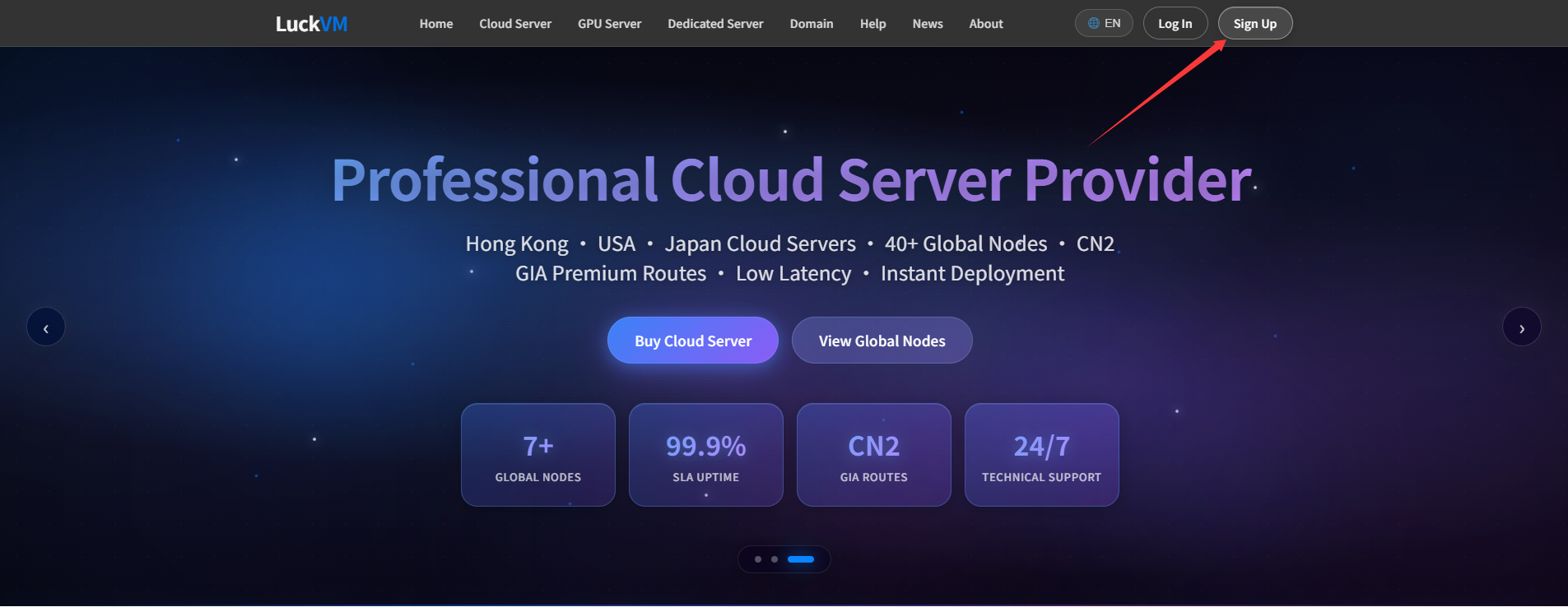
② If you already have an account, please log in directly. See “How to log in to the Client Area”.
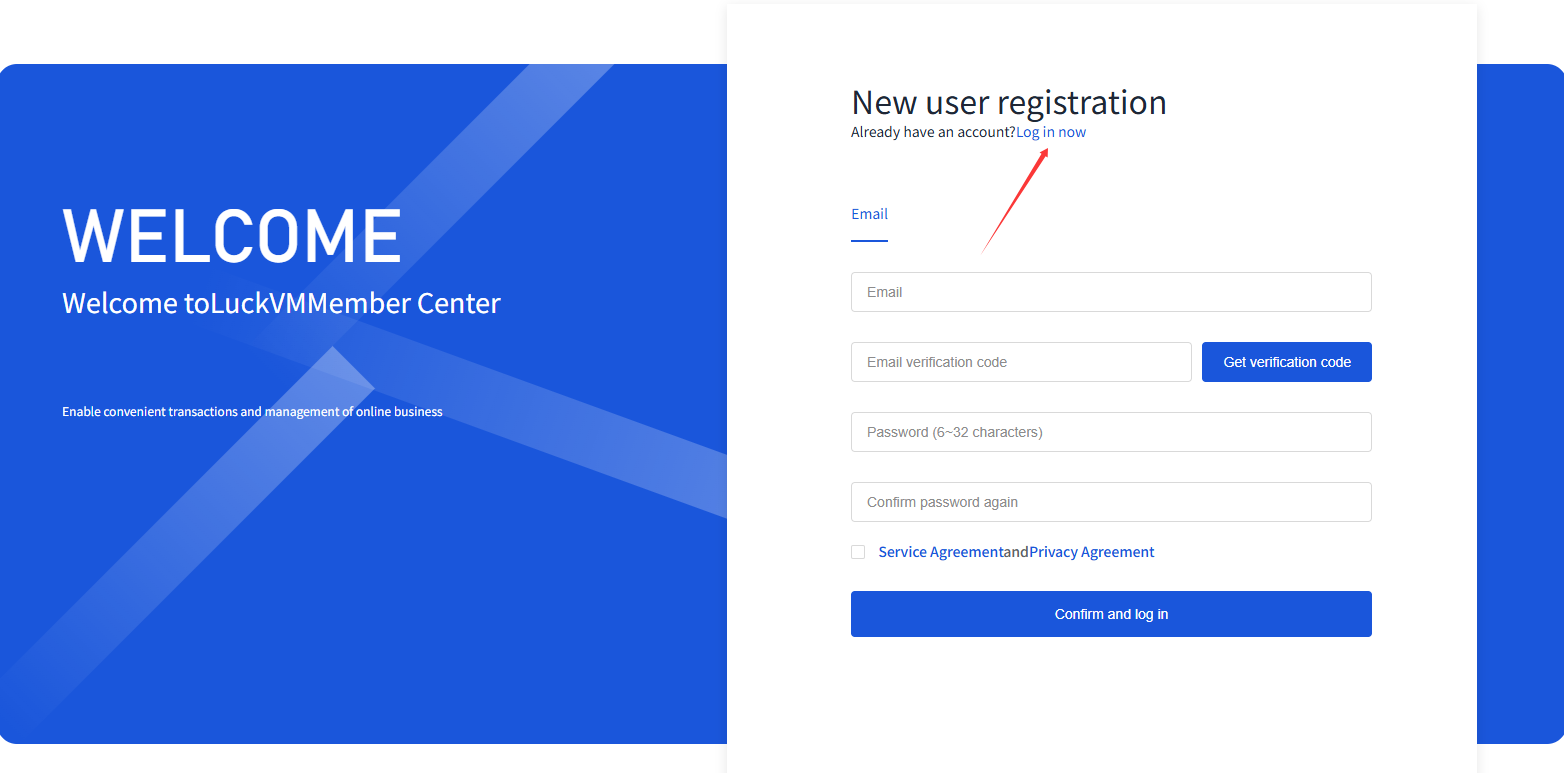
③ Register with your email address, Google account or GitHub account.
· Email registration
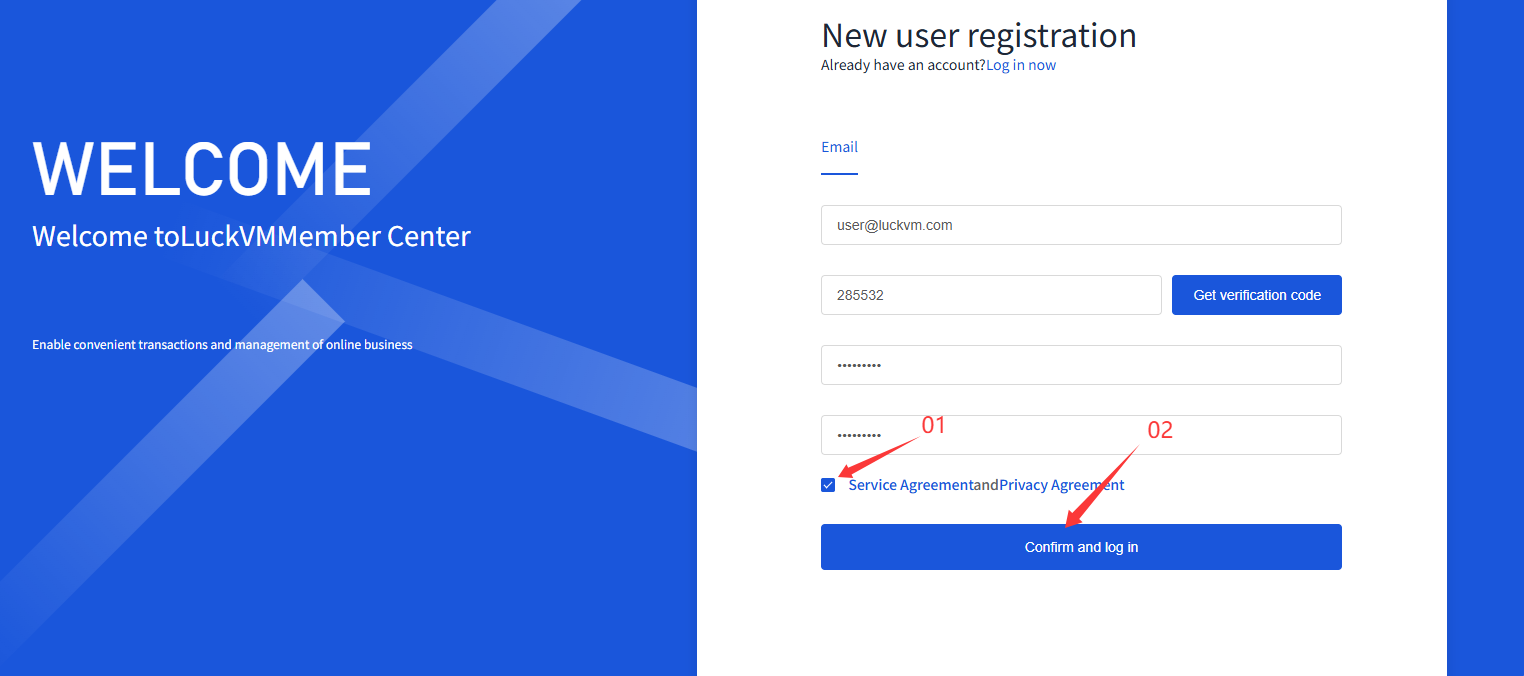
ⅰ. Enter your email address and select “Get verification code”. Check your inbox and enter the code before it expires.
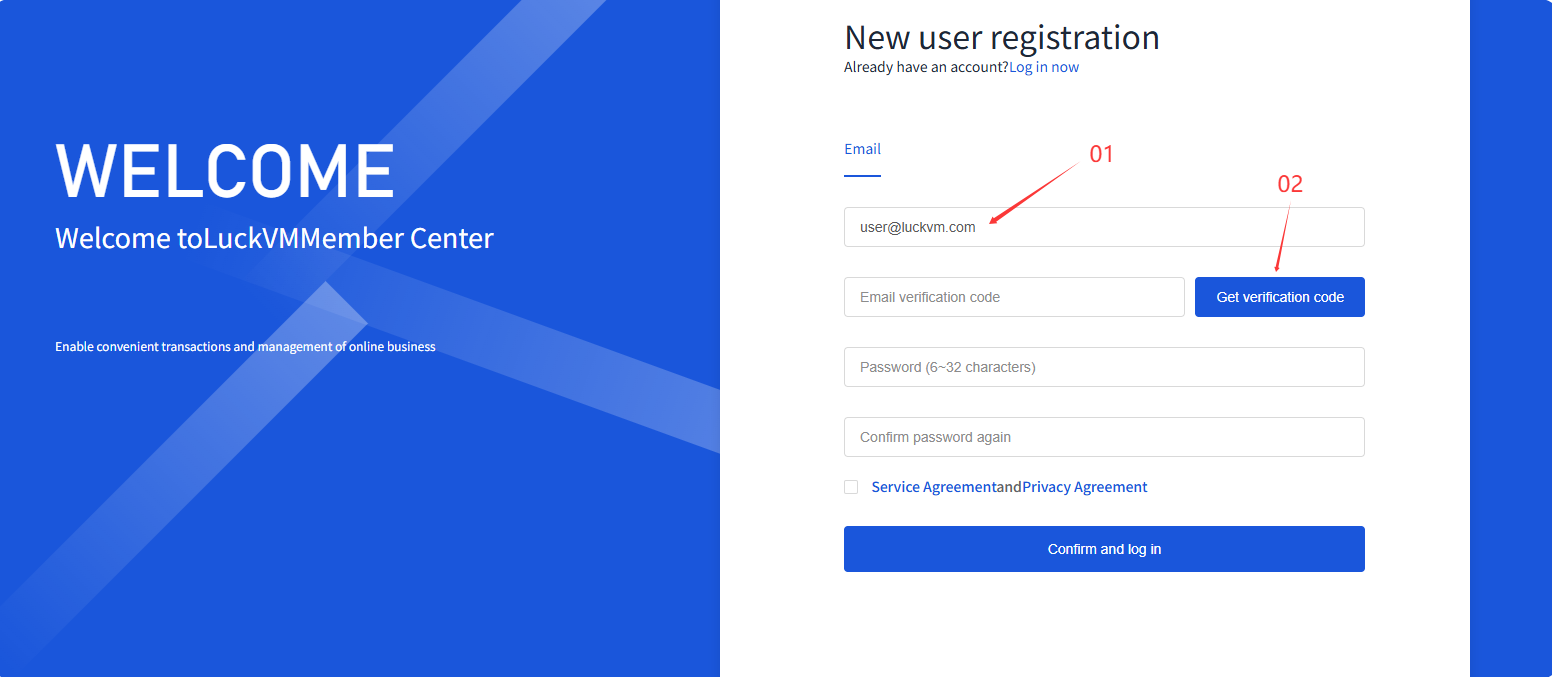
ⅱ. Enter a password of 6–32 characters, and re-enter it to confirm.
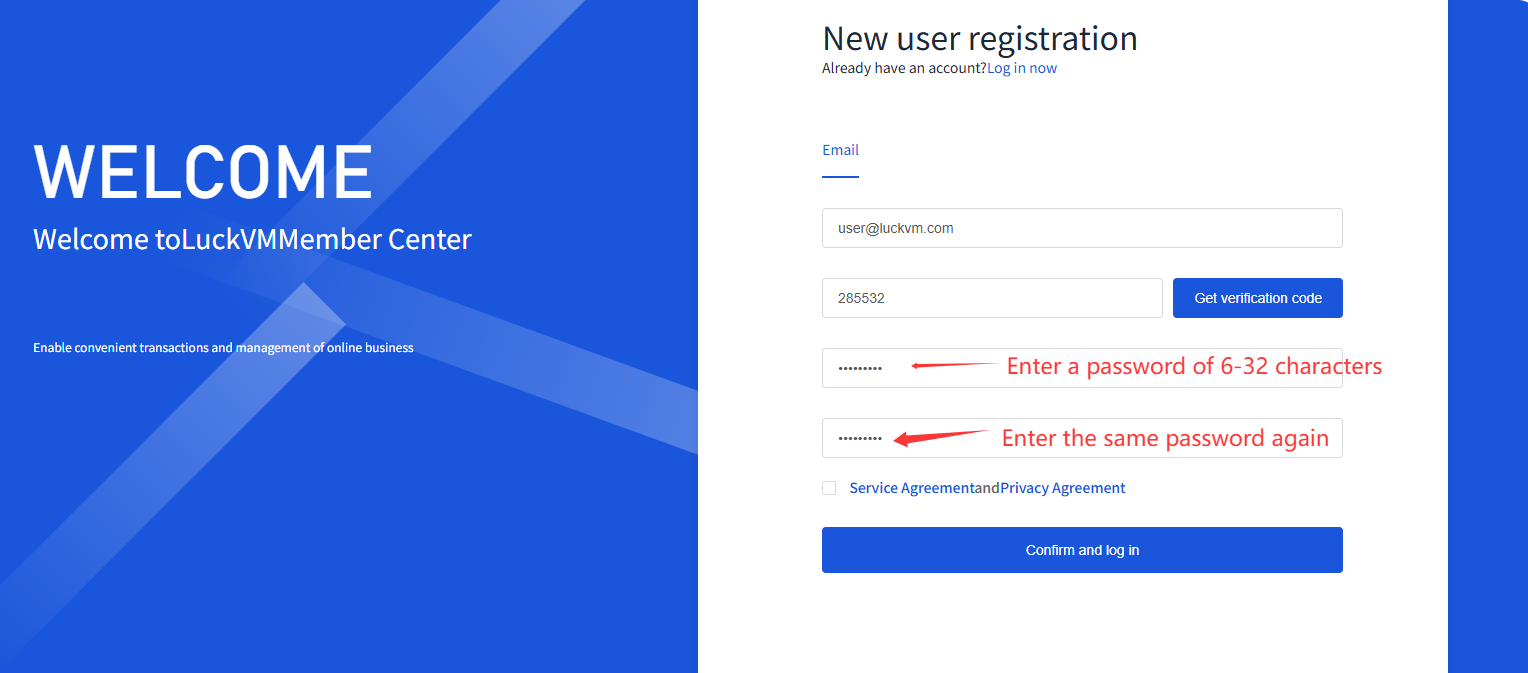
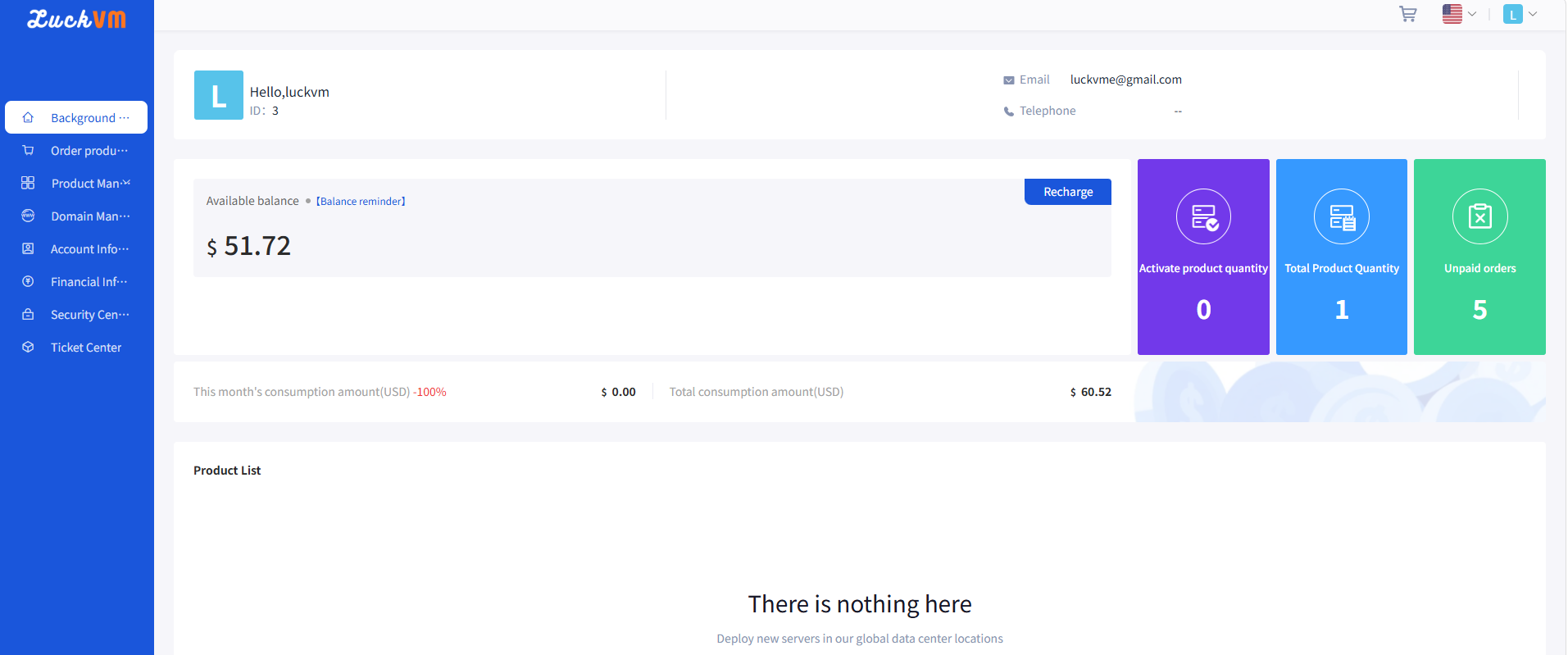
ⅲ. Check the box “After completing registration, you will be automatically logged in. Logging in means you have agreed to the Terms of Service and Privacy Policy.” Then click “Confirm and Log In”. The system will automatically redirect you to the Client Area.