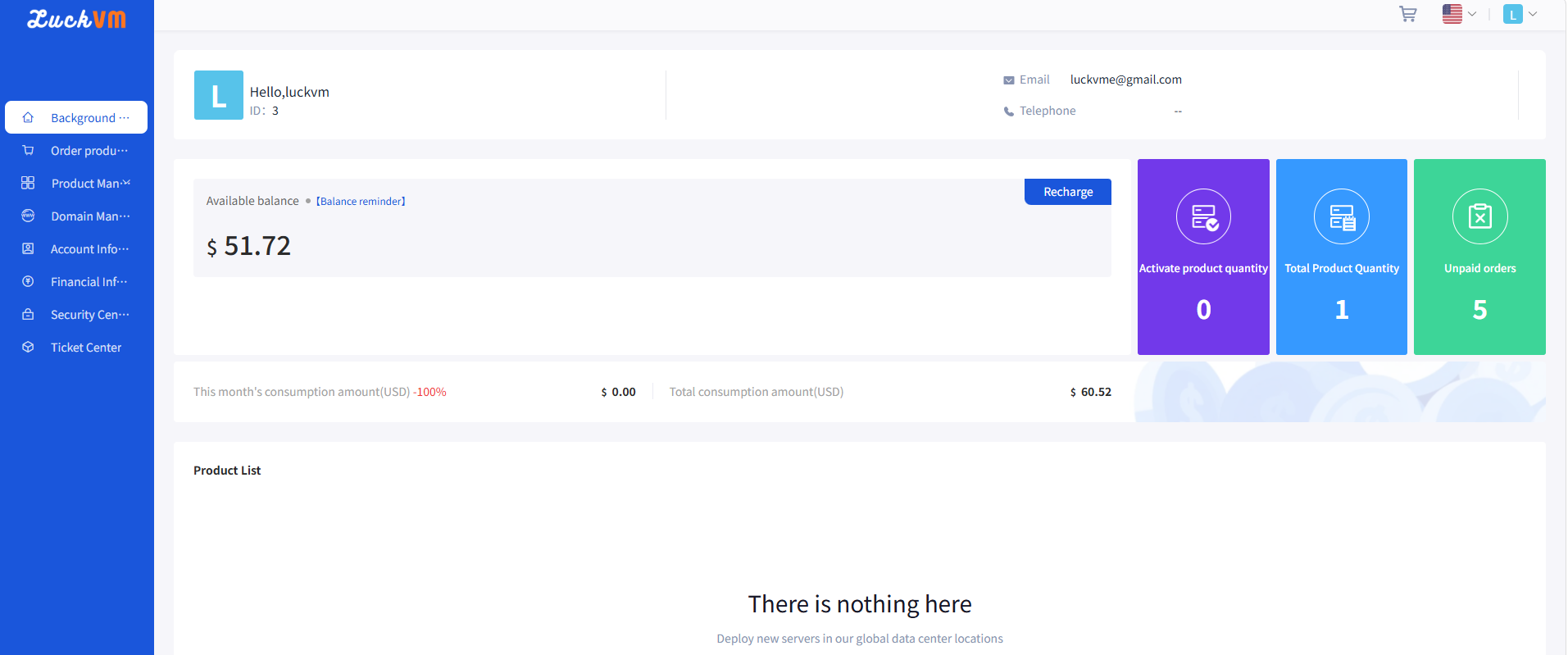
Add Account Credit and Review Payments
Check the supported payment flow, amount and currency before adding credit to your account. Find details in LuckVM support.
Browse LuckVM cloud server, networking, security, operations, and troubleshooting documentation to find clear setup steps and solutions.
Check the supported payment flow, amount and currency before adding credit to your account. Find details in LuckVM support.
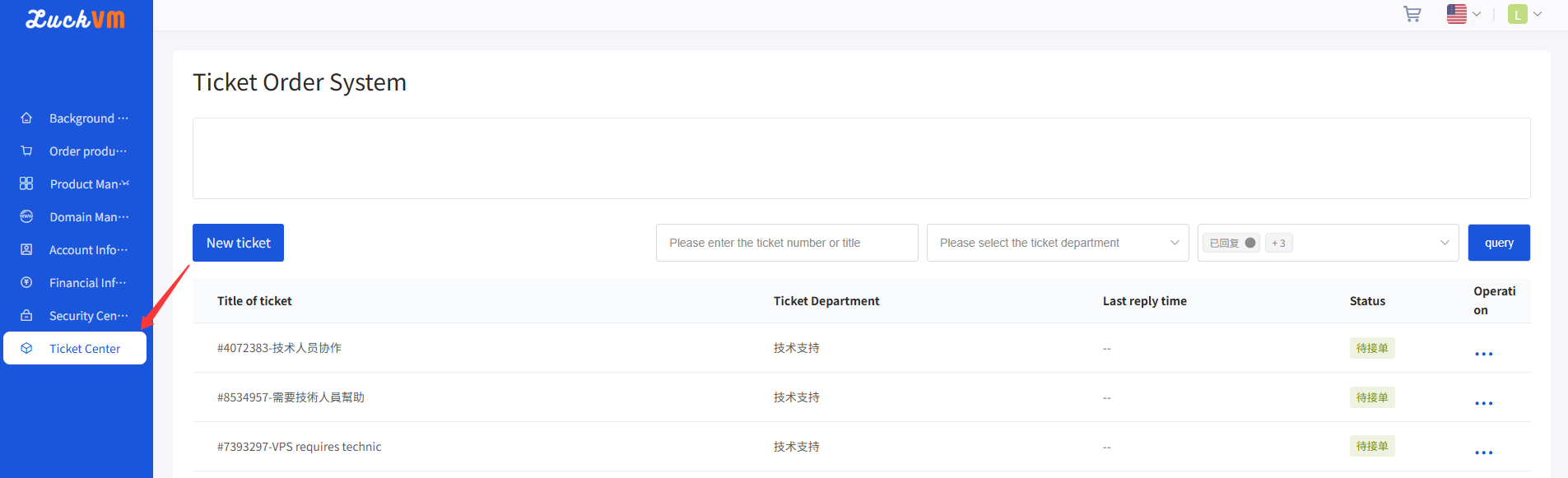
Follow ticket progress and add test results while keeping the troubleshooting history together. Find details in LuckVM support.
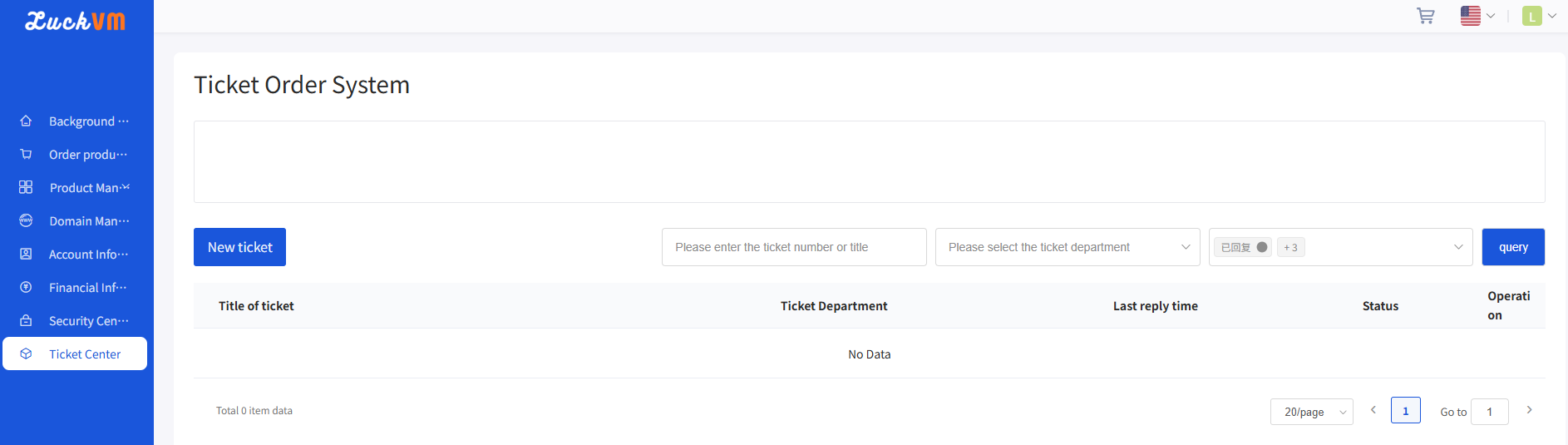
Include a service ID, timestamps and error details when requesting technical support. Find details in LuckVM support.
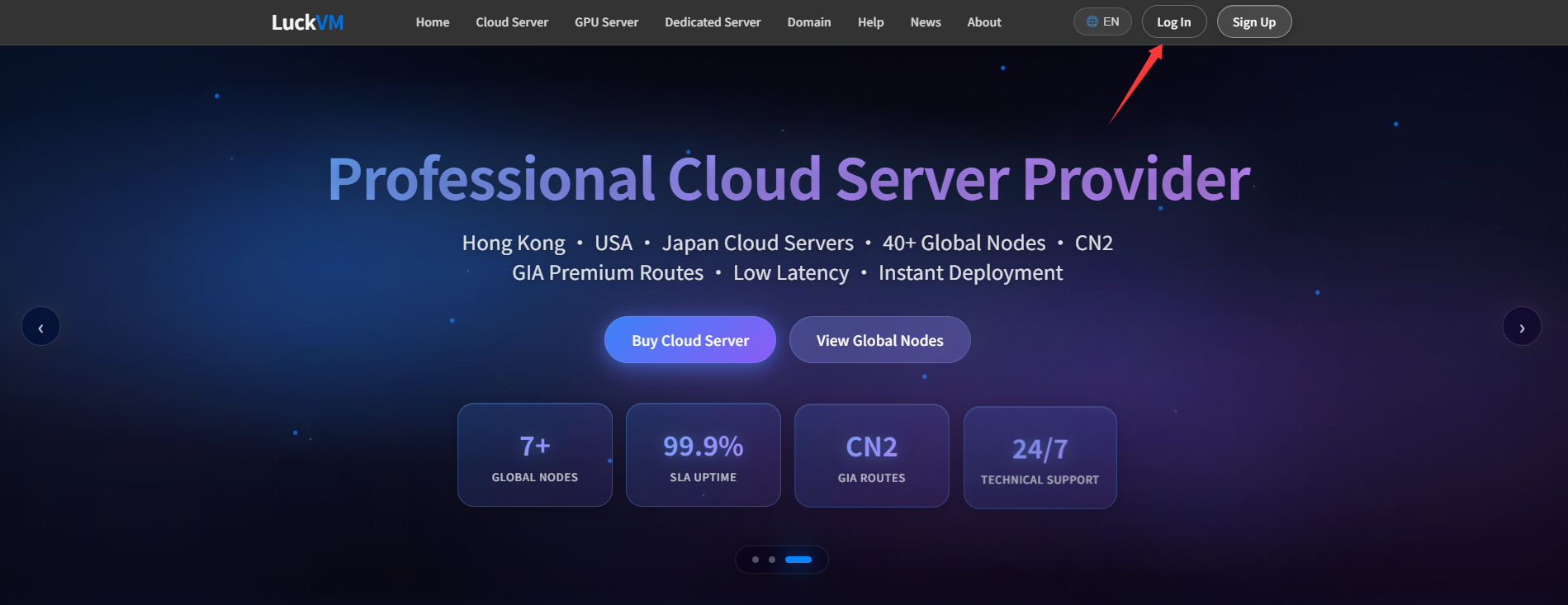
Find account sign-in instructions and steps to take when access fails. Find details in LuckVM support.
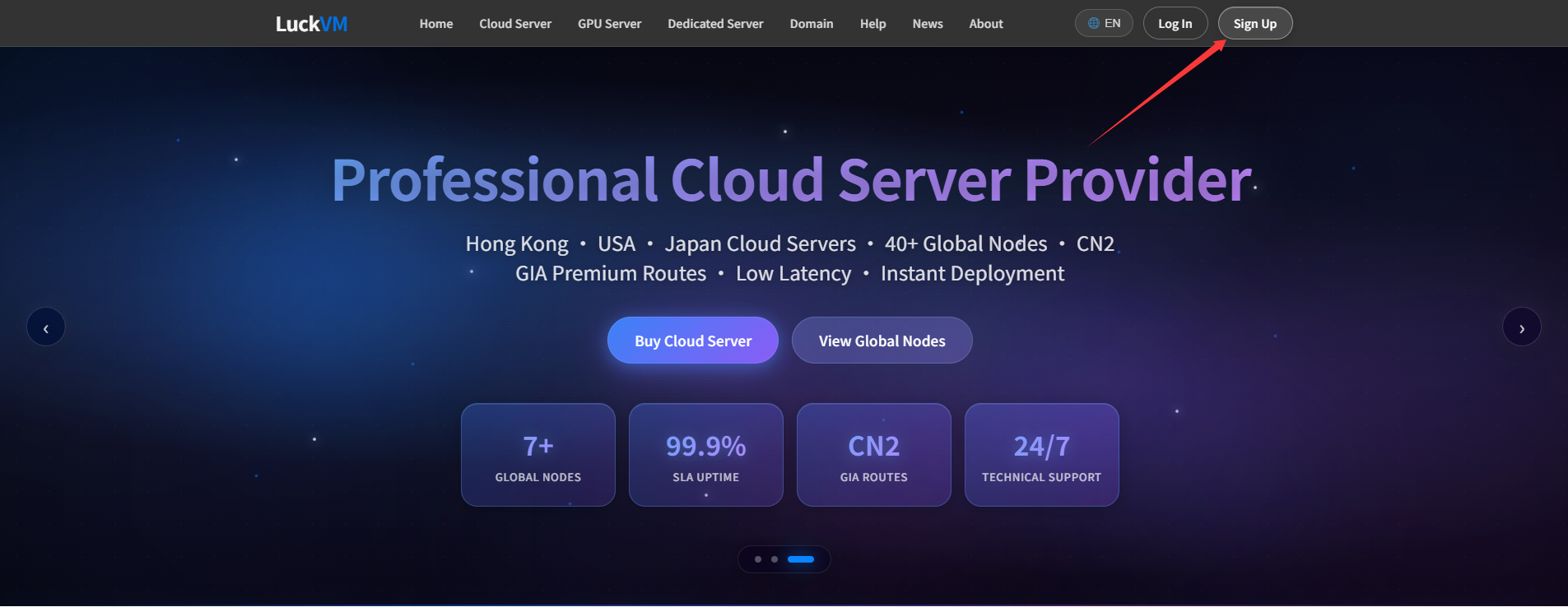
Follow the account registration process and check your details before signing in. Find details in LuckVM support.

Review the notices governing website content, rights and service use. Read the applicable LuckVM policy.
Learn how cookies are used and which browser controls are available. Read the applicable LuckVM policy.
Review how personal information is handled and how to contact LuckVM about privacy questions. Read the applicable LuckVM policy.
Read the terms governing LuckVM services, billing and responsibilities before ordering a product. Read the applicable LuckVM policy.