When buying a VPS, most people pay close attention to CPU, RAM, storage, bandwidth, and network quality. The operating system is often treated as a small detail. Once the order page shows Ubuntu, Debian, Rocky Linux, and Windows Server, many users simply choose whichever name they are familiar with.
I used to think the same way.
After reinstalling several operating systems on the same VPS and running the same tests, I found that the operating system can have a noticeable effect on the overall experience. The difference becomes especially obvious on low-spec VPS plans.
For this test, I used the same 2-core, 4GB VPS and kept the CPU, RAM, disk, and server location unchanged. Only the operating system was changed.
The main systems tested were Debian 12, Ubuntu Server 22.04, Rocky Linux 9, and Windows Server.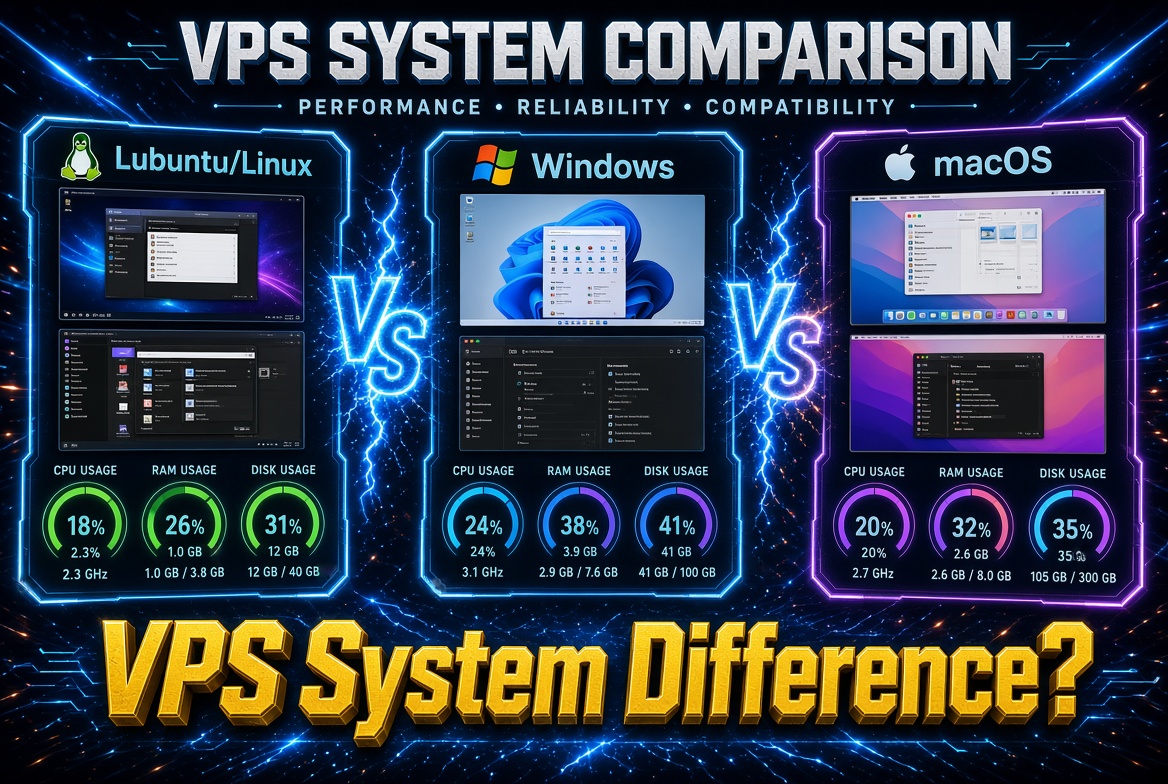
The Resource Difference Starts Right After Installation
The easiest difference to see is memory usage.
After a fresh installation, Debian 12 used roughly 280MB to 400MB of RAM. Ubuntu Server 22.04 used around 450MB to 650MB, while Rocky Linux 9 generally stayed between 500MB and 750MB.
Windows Server was in a different range, using roughly 1.5GB to 2.2GB of memory under idle conditions.
On a 2-core, 4GB VPS, this difference is manageable. On a 1-core, 2GB machine, however, the available resources become much tighter.
The operating system takes part of the available memory before your website, database, Docker containers, and applications even start running. On a budget VPS, every bit of available RAM matters.
Debian 12: Lightweight and Efficient
The biggest impression Debian 12 gave me was how little it seemed to get in the way.
After installation, the system ran with relatively few background services. SSH responses were quick, and there was plenty of room left for applications.
I used the server to run Nginx, PHP, and a small script. The overall experience was smooth and consistent.
In one simple script test, Debian completed the task in around 42 seconds. Ubuntu took approximately 45 seconds, while Rocky Linux finished in about 47 seconds.
These numbers are specific to this test environment and should not be treated as universal benchmarks. They are more useful for showing the general trend.
For websites, APIs, scheduled tasks, and small databases, Debian 12 is a very practical choice.
It becomes even more attractive when the VPS has limited resources, such as 1GB or 2GB of RAM.
Ubuntu Server: Easy to Use and Well Supported
Ubuntu uses slightly more resources than Debian, but the difference is rarely a problem on a reasonably configured VPS.
Its biggest advantage is the ecosystem.
There are extensive tutorials for Nginx, Docker, Node.js, Python, MySQL, PHP, and other popular technologies. When something goes wrong, finding a solution for Ubuntu is usually straightforward.
This matters a lot for beginners.
If you are using a 2-core, 4GB VPS, Ubuntu Server 22.04 is more than capable of handling most websites and development environments.
For a 1-core, 2GB VPS, Debian may leave more resources available for your applications.
In practical terms, I would choose Debian when resource efficiency matters most and Ubuntu when documentation and ease of deployment are the priority.
Rocky Linux: A Good Choice for Enterprise Environments
Rocky Linux 9 has a different focus.
It is particularly suitable for users familiar with CentOS, RHEL, or other systems within the Red Hat ecosystem.
If an existing project was originally built around CentOS or relies on RHEL-compatible packages and tools, Rocky Linux can be a natural choice.
For personal websites, however, the learning curve can be slightly higher.
Many tutorials available online are written for Ubuntu. When following them on Rocky Linux, package names, installation commands, and configuration details may differ.
Experienced Linux administrators will have little trouble with this. Beginners may need to spend more time checking documentation.
In terms of performance, Rocky Linux and Ubuntu are relatively close. The bigger difference comes from the ecosystem and intended use cases.
Windows Server: Convenient, but Resource Hungry
Windows Server has one obvious advantage: the Windows software ecosystem.
If your business requires Windows-only applications, remote desktop access, or software designed specifically for Windows, it can be a convenient option.
The trade-off is resource consumption.
A 2-core, 4GB VPS can run Windows Server, but the operating system itself takes a considerable amount of memory. Once you add a database, browser, automation tools, or other applications, the available resources can become limited quickly.
For this reason, Windows Server is generally more suitable for VPS plans with more RAM.
If your workload consists of Nginx, PHP, Node.js, Python, Docker, and other common server applications, Linux is usually a better fit for a small VPS.
What About Docker?
Both Debian and Ubuntu work very well with Docker.
During my testing, Debian provided slightly more available resources, while Ubuntu made installation and troubleshooting easier because of its large documentation ecosystem.
If you plan to run several containers on a small VPS, Debian is a strong option because it keeps more resources available for the containers themselves.
If you are learning Docker or frequently follow online deployment guides, Ubuntu can save time when you run into installation or configuration problems.
Rocky Linux can also run Docker, although some third-party tutorials may require adjustments.
Windows Server can run Docker as well, but the overall resource requirements make it less attractive for low-spec VPS plans.
Does the Operating System Affect Website Speed?
Yes, but it is only one factor.
For a simple static website, the difference between operating systems is usually small.
Once you add PHP, databases, caching, background services, and other workloads, resource consumption becomes more relevant.
In my test of a lightweight website backend, Debian delivered an average page load time of around 1.2 seconds. Ubuntu was approximately 1.3 to 1.6 seconds, Rocky Linux around 1.5 to 1.8 seconds, while Windows Server exceeded 2.5 seconds in the same test environment.
These numbers should be treated as test results rather than fixed performance rankings.
Network quality, disk I/O, CPU performance, database configuration, application code, and caching can have a much larger impact on the final website experience.
The operating system is simply one part of the equation.
Should You Always Choose the Newest Version?
A server operating system does not need to be the newest available release.
For production workloads, stability and software compatibility are usually more important.
Your project may depend on a specific PHP version, MySQL release, Node.js environment, or other software. A very new operating system can sometimes create compatibility issues with older applications.
For long-running websites, I prefer mainstream releases with good documentation and broad software support.
That usually means Debian or Ubuntu for general-purpose deployments, Rocky Linux for RHEL-oriented environments, and Windows Server when the application specifically requires Windows.
How I Choose a VPS Operating System
For temporary testing, I usually prefer a VPS with flexible billing. I can install Debian or Ubuntu, deploy the project, test the network and performance, and then decide whether the server is suitable for long-term use.
For example, platforms such as LuckVM can be useful for testing different locations and VPS configurations when flexible billing is important.
For long-term hosting, I pay more attention to system stability, disk performance, network quality, and the overall reliability of the server.
My general rule is straightforward. I choose Debian for lightweight websites and scripts, Ubuntu when documentation and ease of deployment matter, Rocky Linux for enterprise-oriented environments, and Windows Server when the workload requires Windows software.
Common Mistakes Beginners Make
One of the most common mistakes is choosing an operating system based only on familiarity.
For example, someone may select Windows Server because they prefer a graphical interface, then install it on a 1-core, 2GB VPS. The server can technically run, but the operating system consumes a large portion of the available memory before the actual workload starts.
Another common situation is following an Ubuntu tutorial on a Rocky Linux server. The commands and package names may differ, turning a simple installation into a troubleshooting session.
The easiest approach is to match the operating system to the project.
For a Linux-based website, choose a mainstream Linux distribution. If the application requires Windows software, use Windows Server. If your project documentation specifies a particular distribution, following that environment can save considerable time later.
Final Recommendation
The same VPS hardware can feel different after changing the operating system.
Debian 12 is a strong choice when low resource usage matters. Ubuntu Server 22.04 is attractive for beginners because of its documentation and software ecosystem. Rocky Linux 9 fits enterprise environments and users familiar with the RHEL family. Windows Server makes sense when your application depends on Windows software.
For a 1GB or 2GB VPS, operating system selection deserves more attention because the available resources are limited from the start.
At the same time, the operating system should not be viewed in isolation. CPU performance, disk I/O, network routing, server location, bandwidth, and host-node load all contribute to the final VPS experience.
Choose the system that fits the workload, and the rest of the server configuration becomes much easier to evaluate.