
Deploy Node.js with PM2, Nginx and HTTPS
Prepare a supported Node. js runtime, run the app under a service manager and configure Nginx with TLS. Read the LuckVM guide.
Read LuckVM product updates, maintenance notices, cloud and dedicated server guides, and practical insights from our global data center network.
Prepare a supported Node. js runtime, run the app under a service manager and configure Nginx with TLS. Read the LuckVM guide.
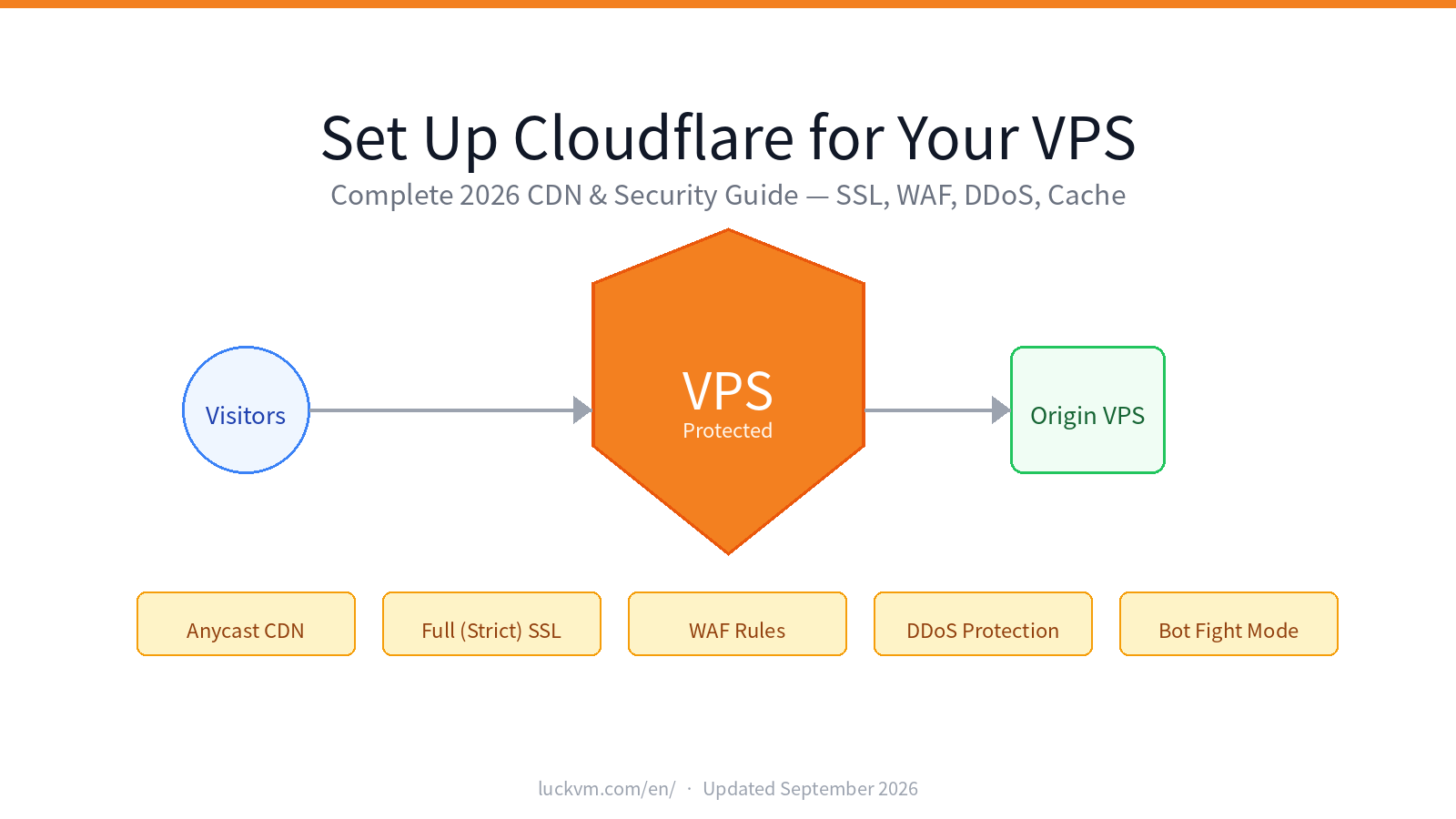
Connect Cloudflare to your VPS with DNS records, TLS and caching settings. Check origin access and proxy behavior with this practical LuckVM setup guide.
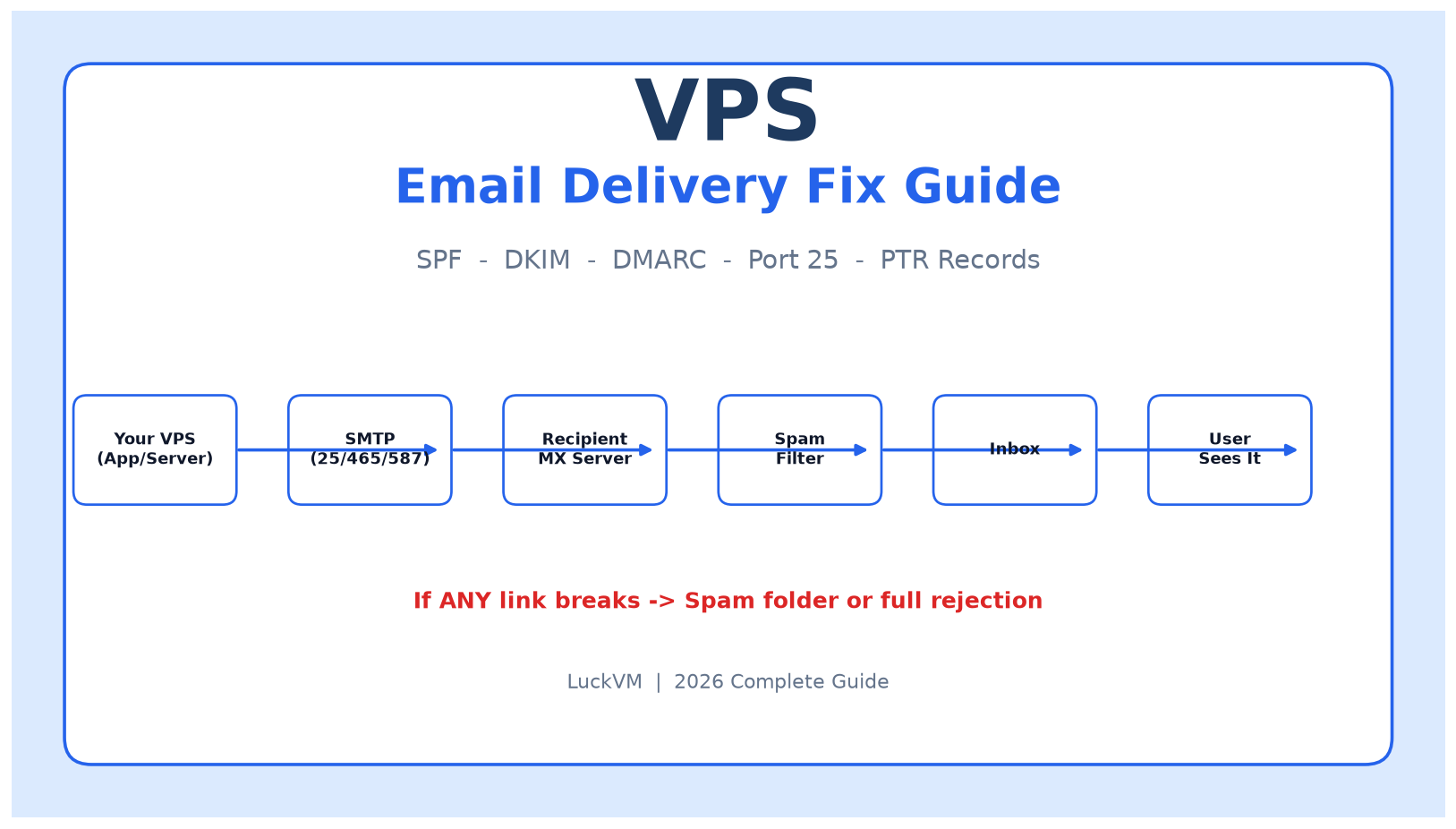
Troubleshoot VPS email delivery with SMTP, DNS, SPF, DKIM and DMARC checks. Diagnose rejected messages and connection problems with the LuckVM support guide.
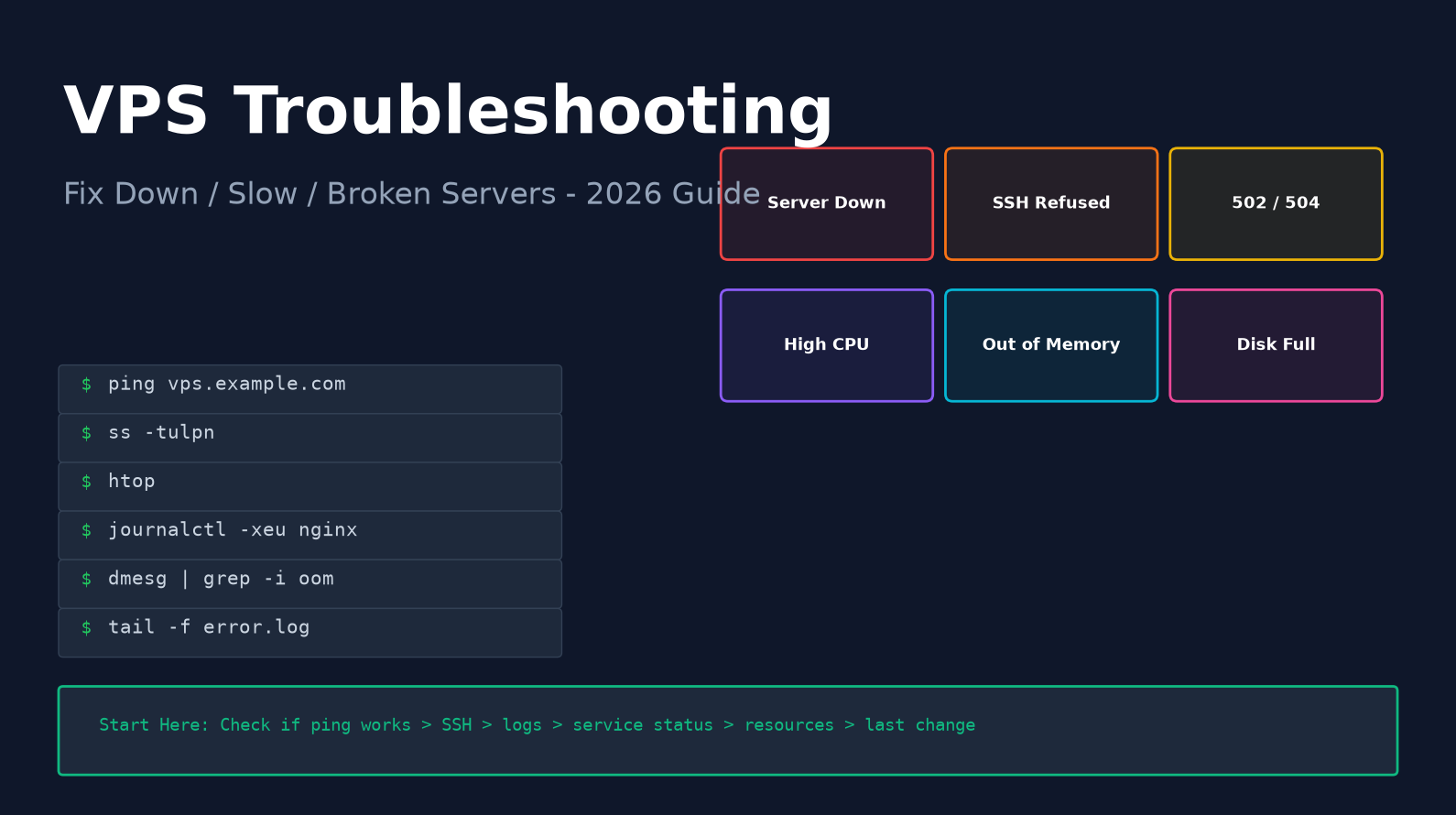
Troubleshoot VPS connection failures, high load and website errors. Follow the LuckVM diagnostic guide to collect evidence and isolate the affected service.
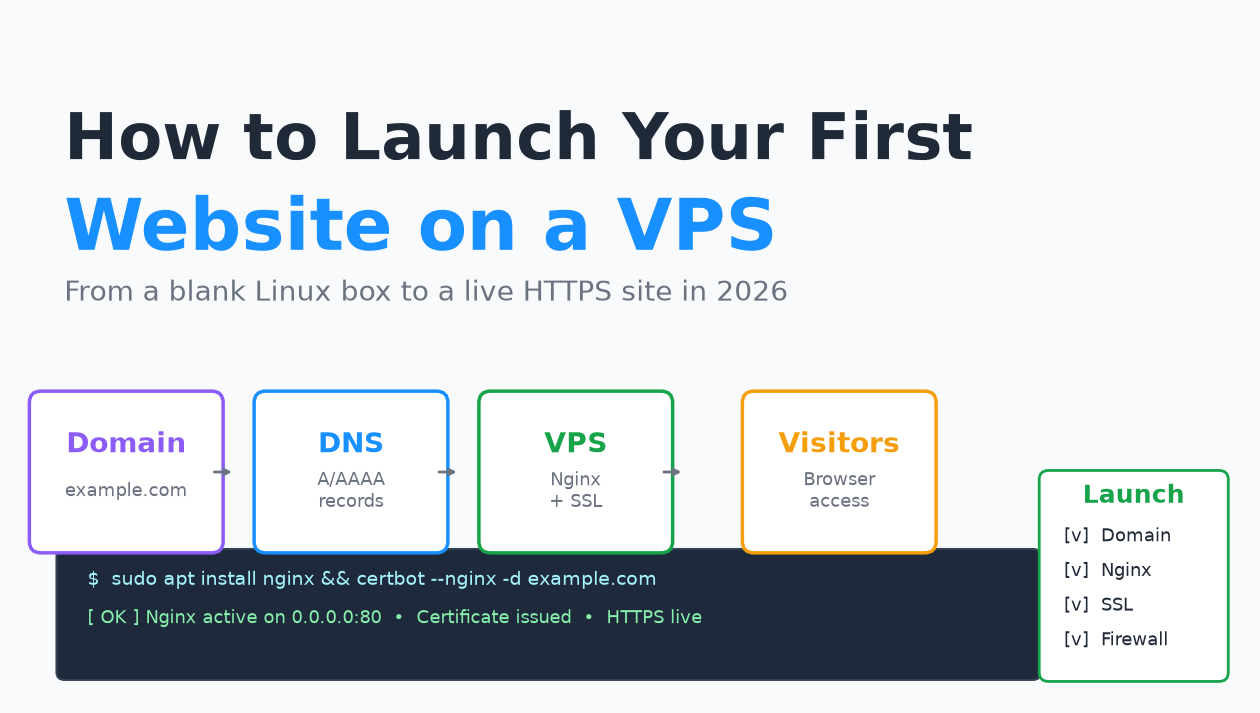
Move from domain and DNS setup to a secured server, web application and HTTPS. Verify backups and basic monitoring before publishing. Read the guide.
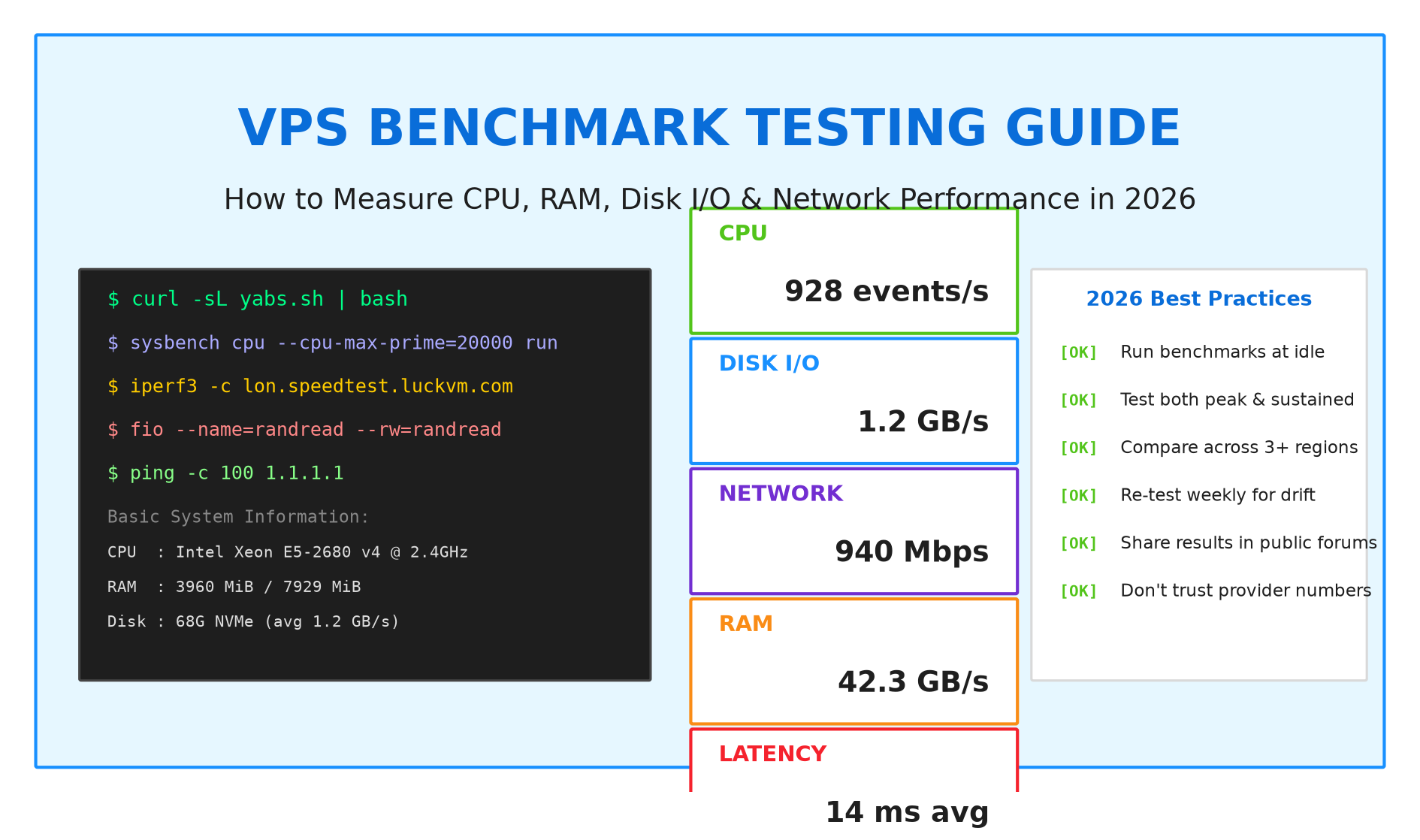
Use repeatable workloads, record the environment and avoid disrupting production services. Read the LuckVM guide.
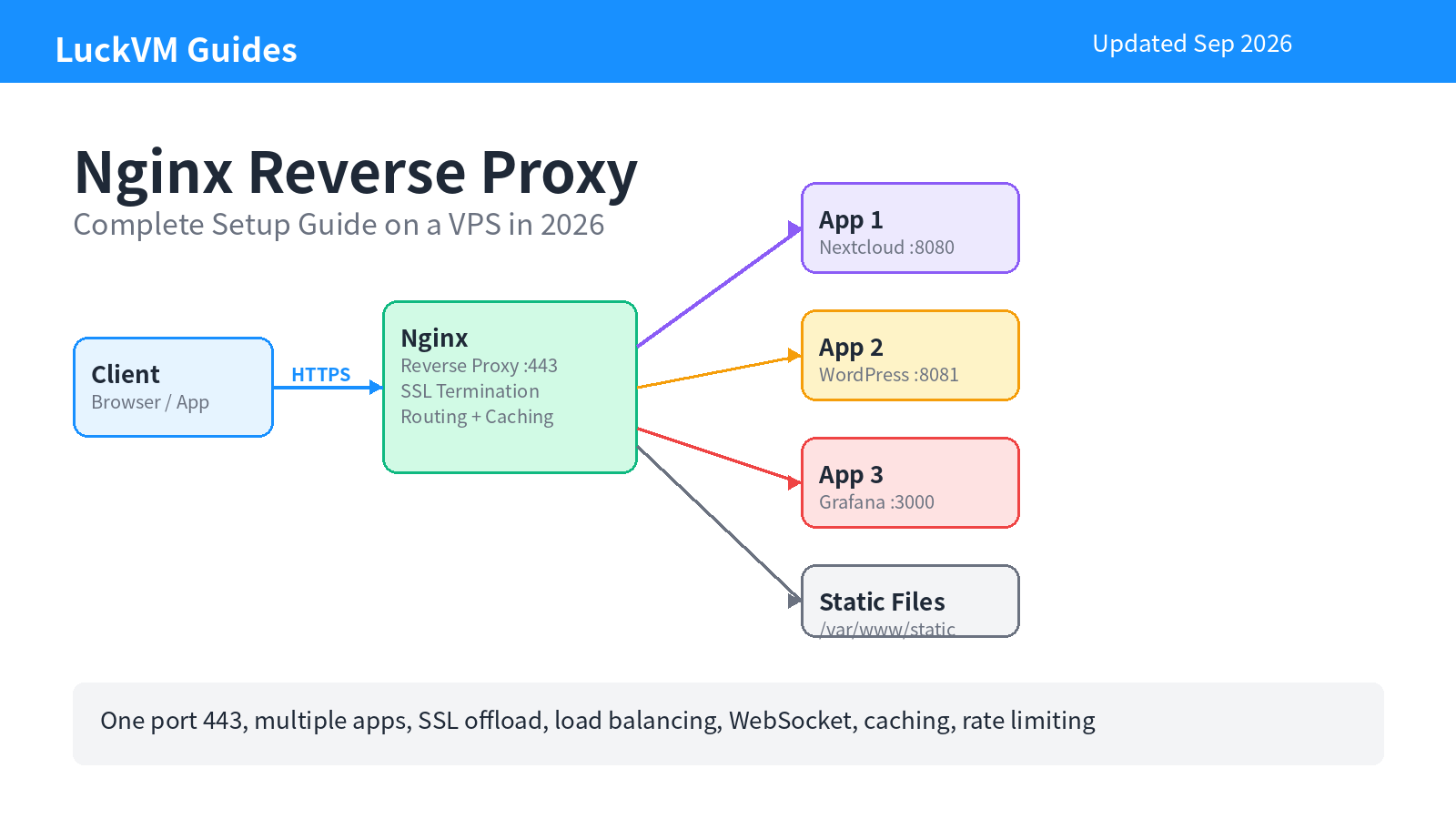
Route requests to application services with explicit upstream, timeout and TLS settings. Read the LuckVM guide.
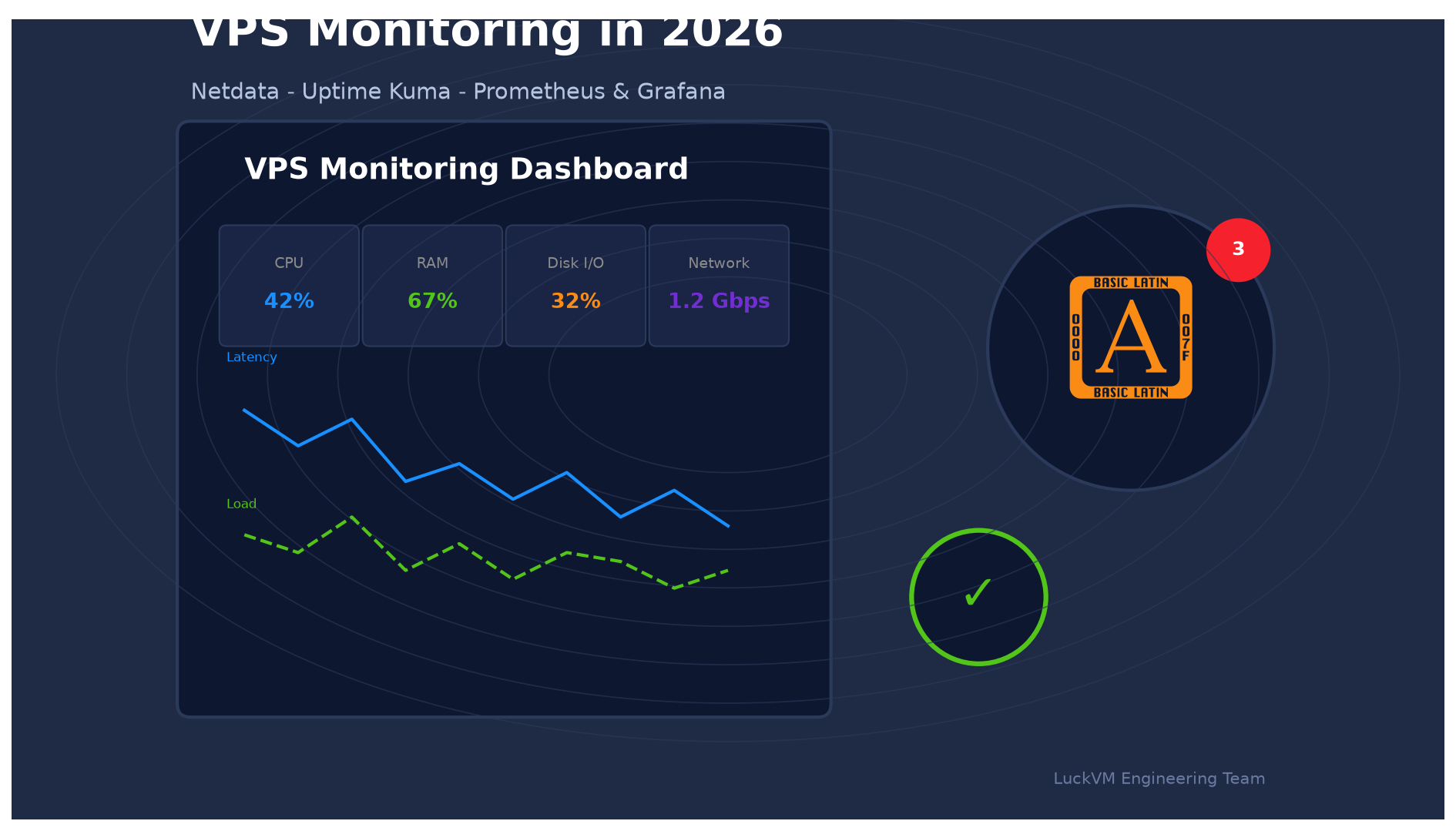
Monitor a VPS with Netdata, Uptime Kuma and Prometheus. Track resource usage, availability and alerts with this LuckVM guide to server monitoring tools.
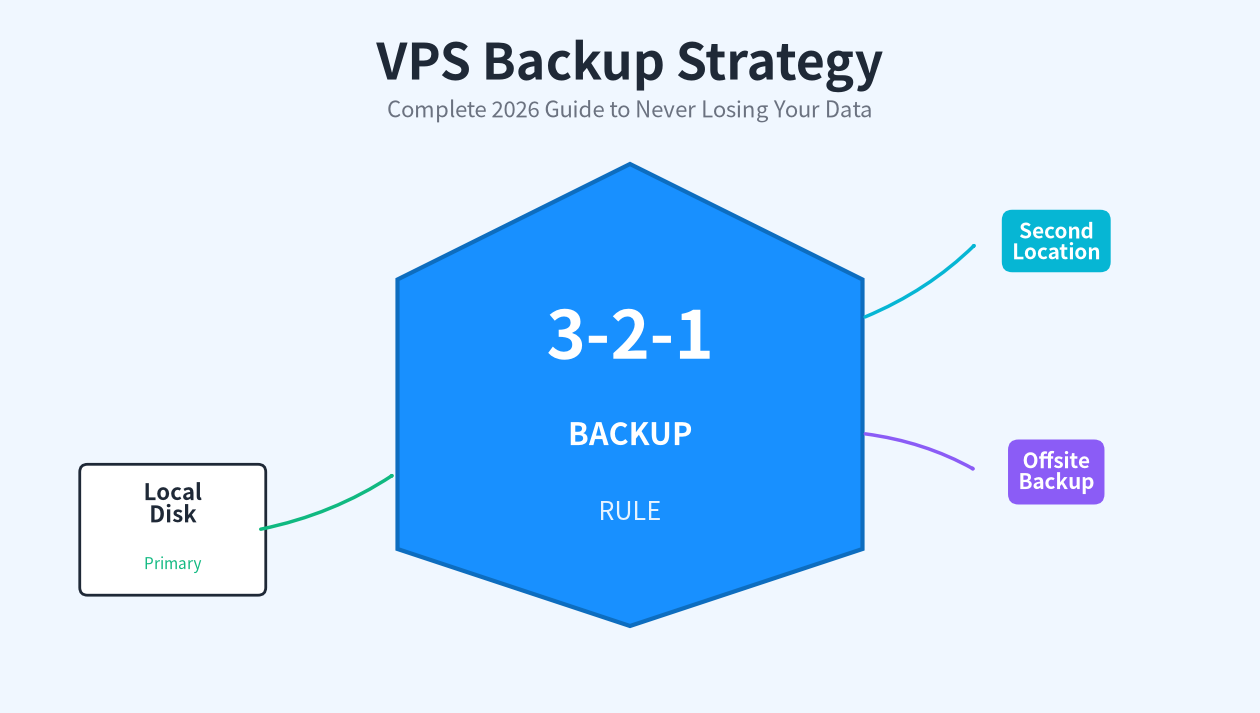
Plan VPS backups with off-site copies, retention rules and restore testing. Protect databases and application files with this LuckVM operations guide.
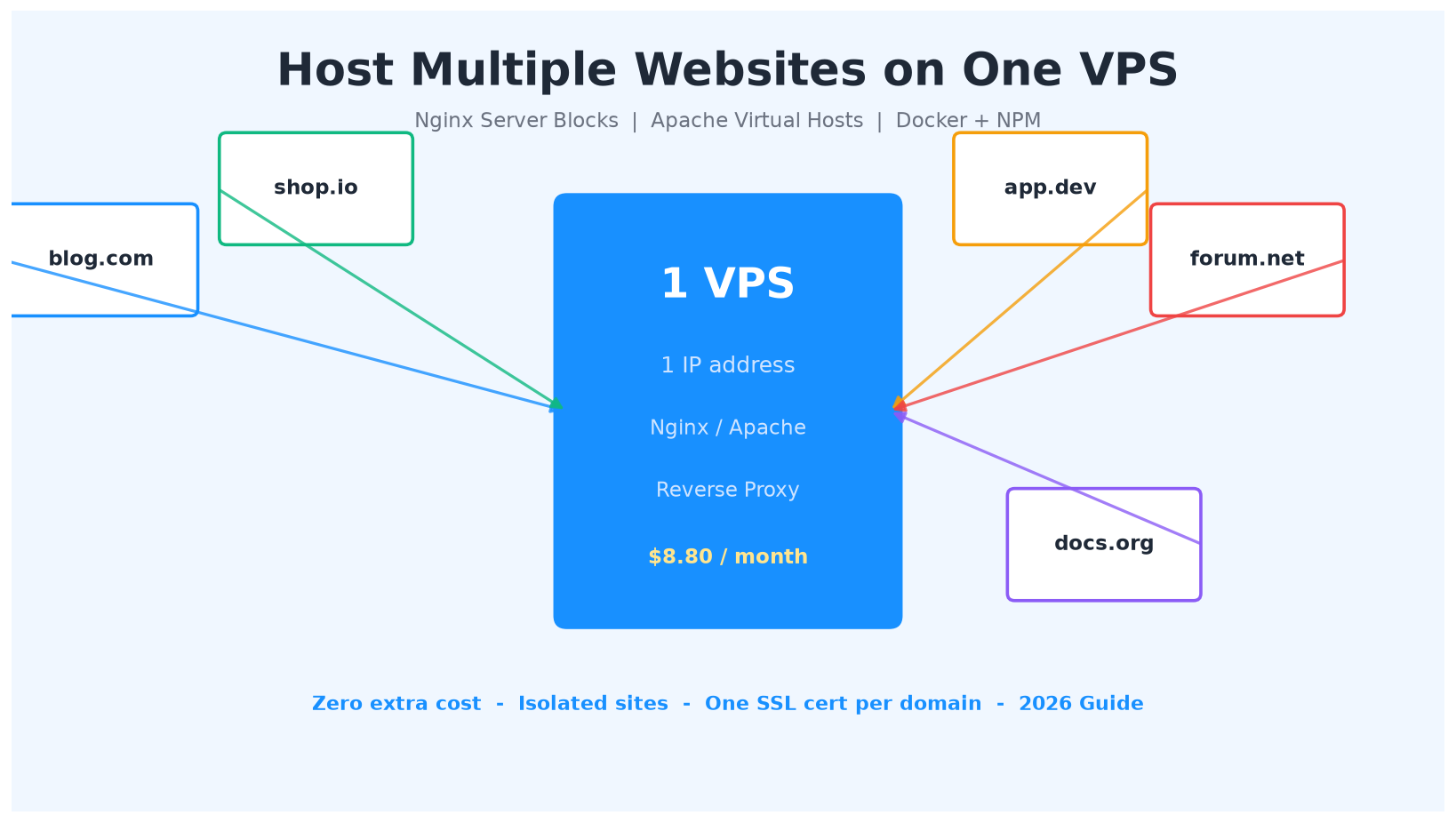
Plan separate site configurations, TLS certificates and file permissions. Size shared memory and databases, and test backups for each site. Read the guide.
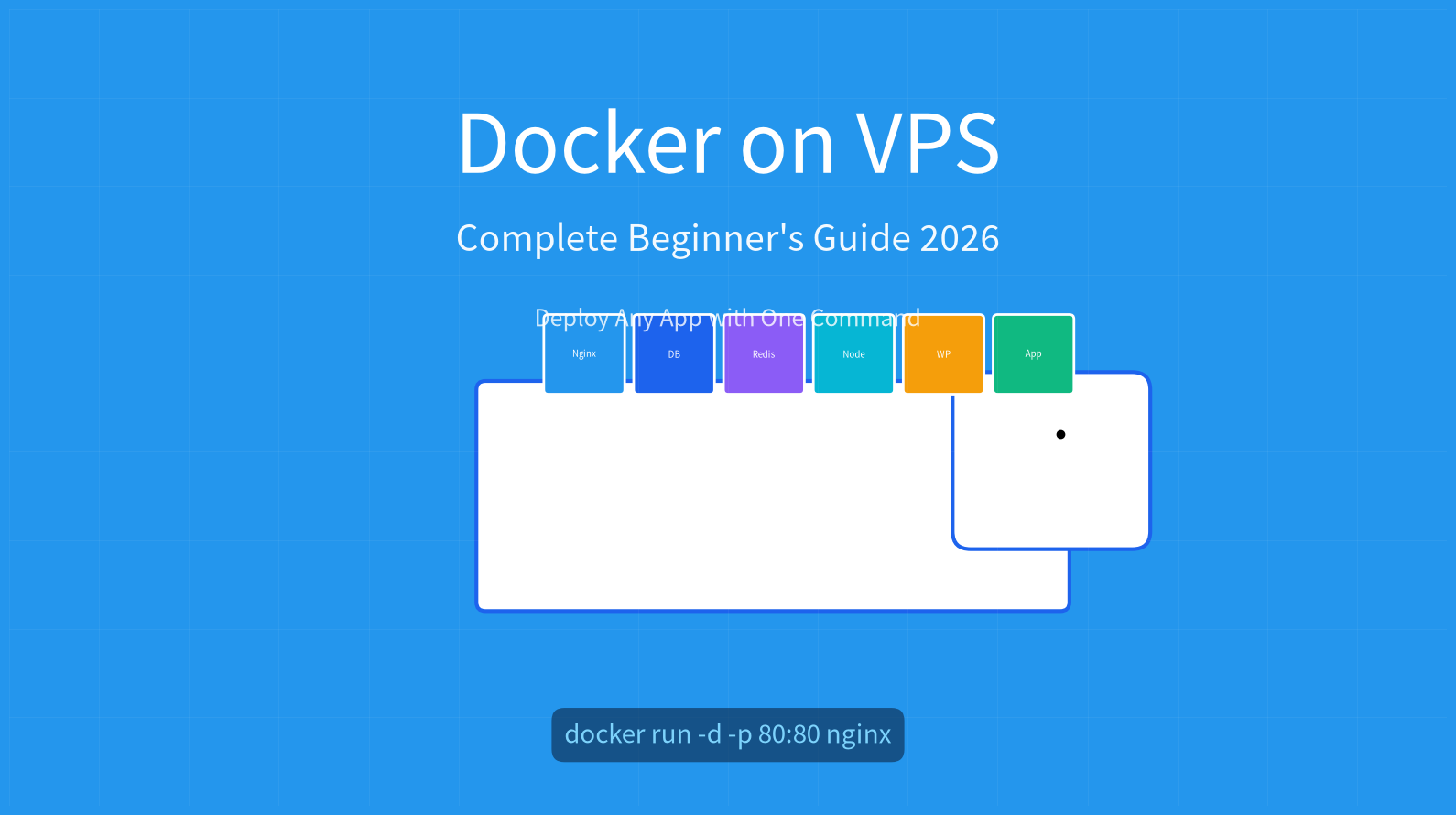
Run Docker applications on a VPS with persistent volumes, secure networking and backups. Follow the LuckVM guide to deployment and container maintenance.
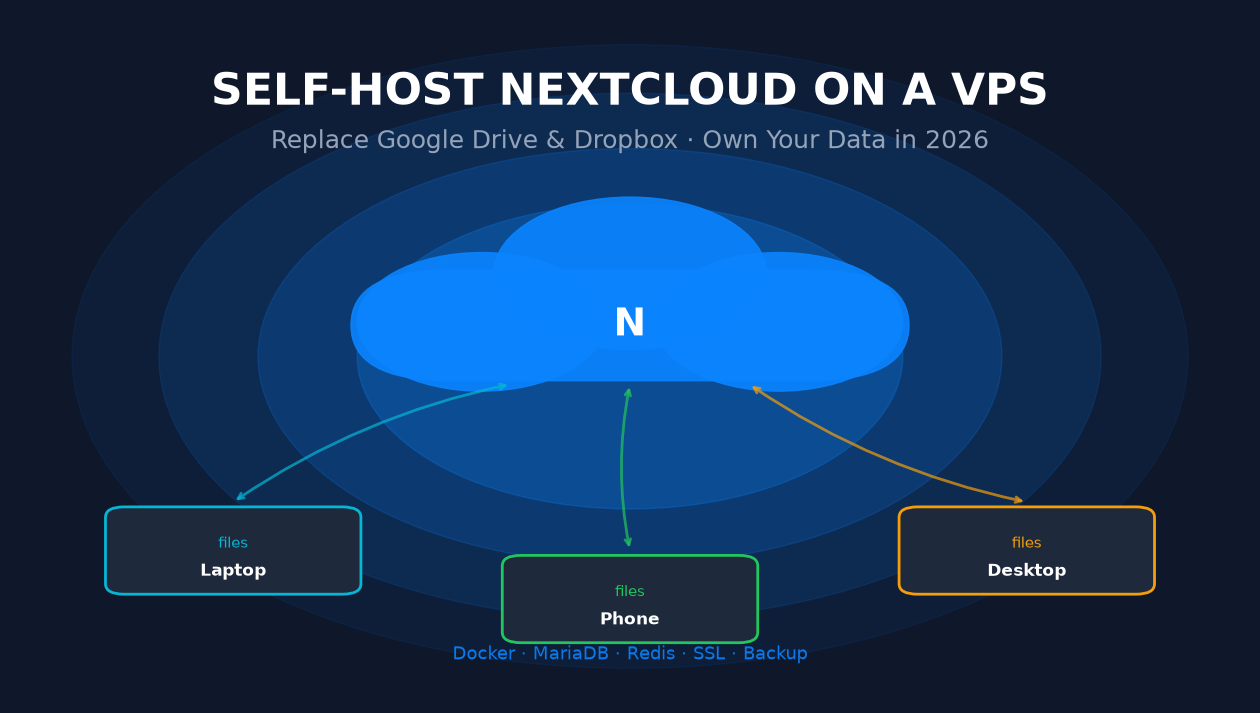
Self-host Nextcloud on a VPS with secure access, storage planning and reliable backups. Follow the LuckVM guide to deployment and everyday maintenance.
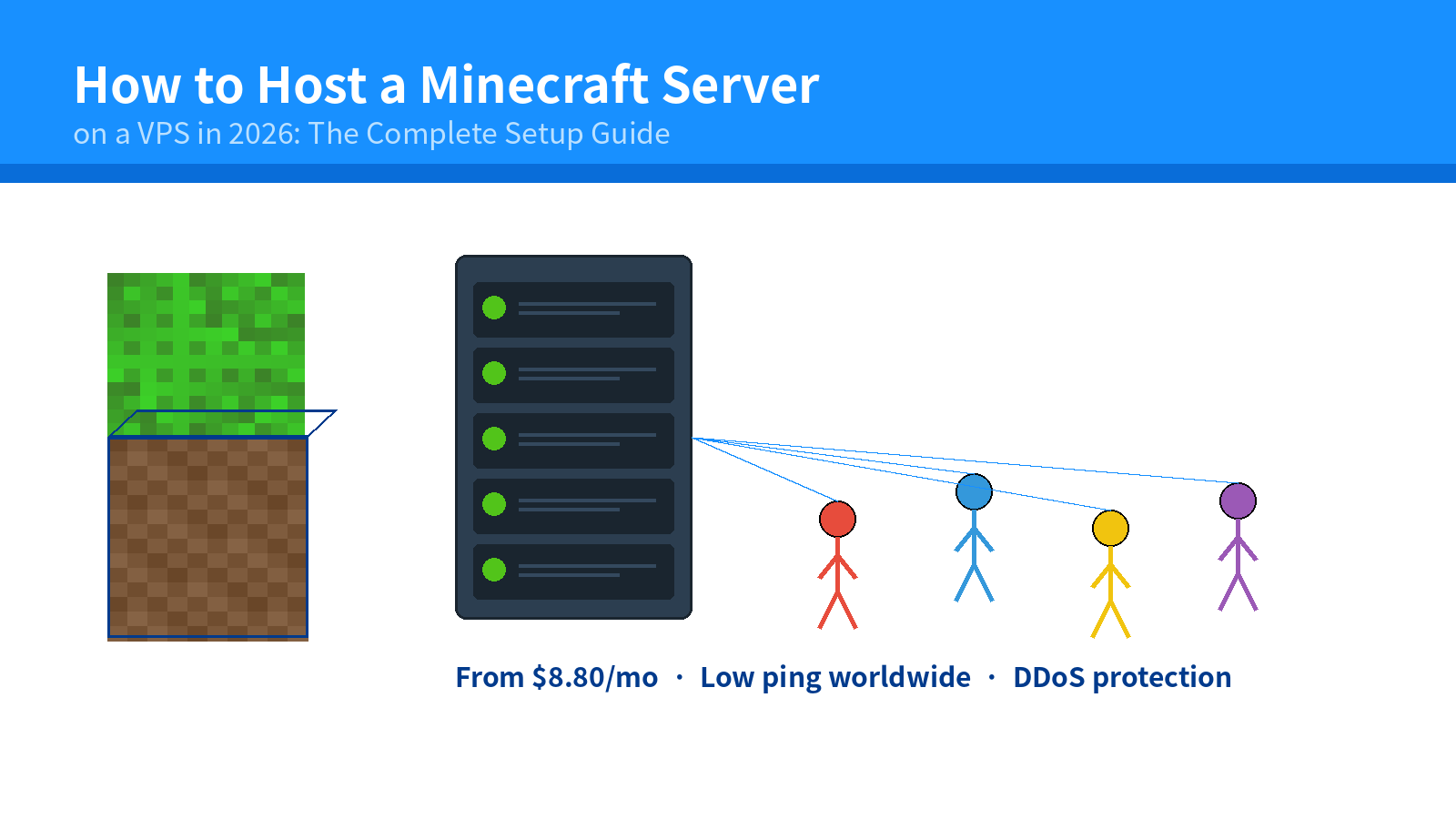
Set up a Minecraft server on a VPS. Plan memory, configure Java, manage player access and prepare backups with this practical LuckVM deployment guide.
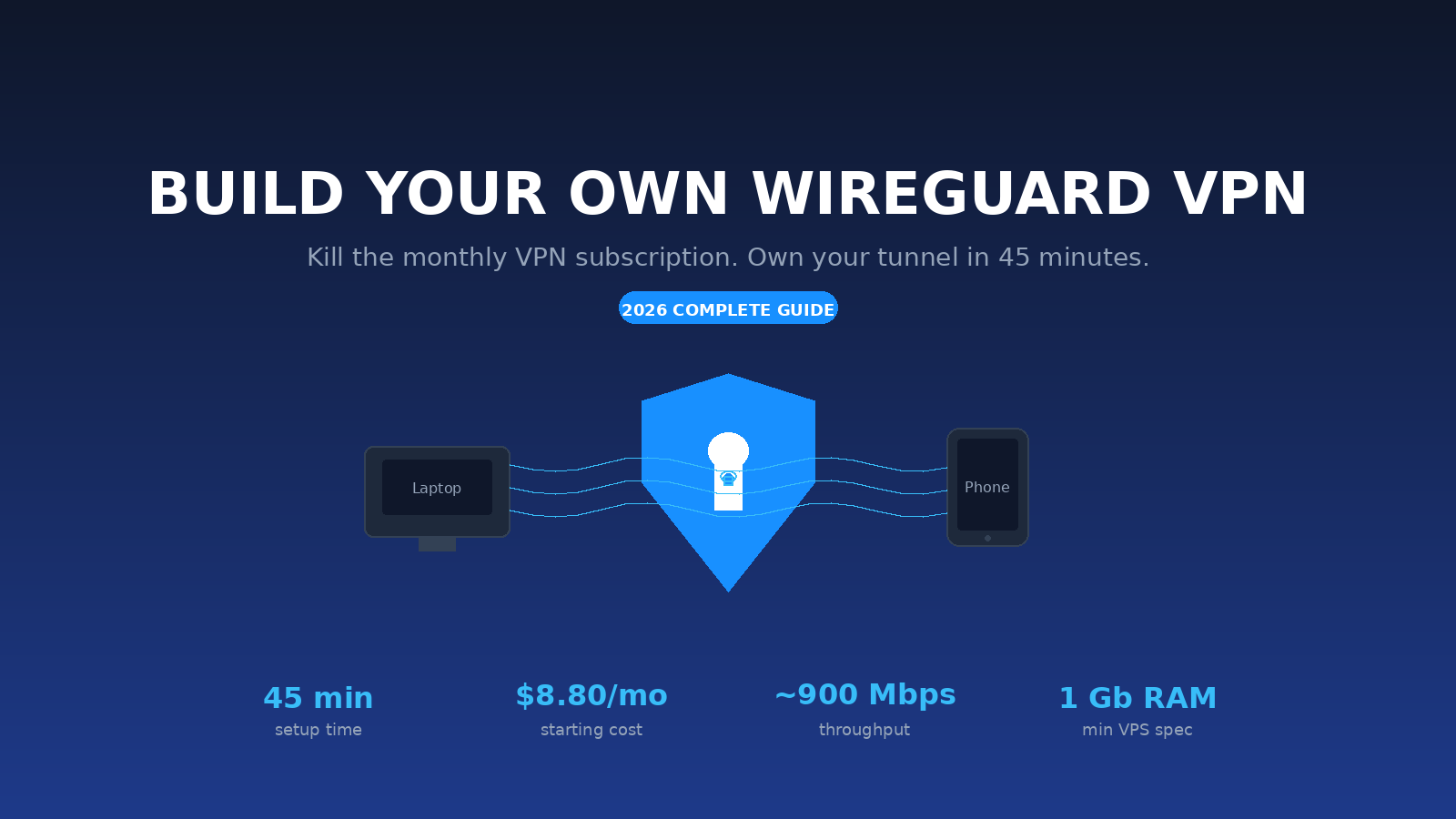
Set up WireGuard on a VPS for secure remote access. Configure peers, routing and firewall rules, then test connectivity with this LuckVM deployment guide.
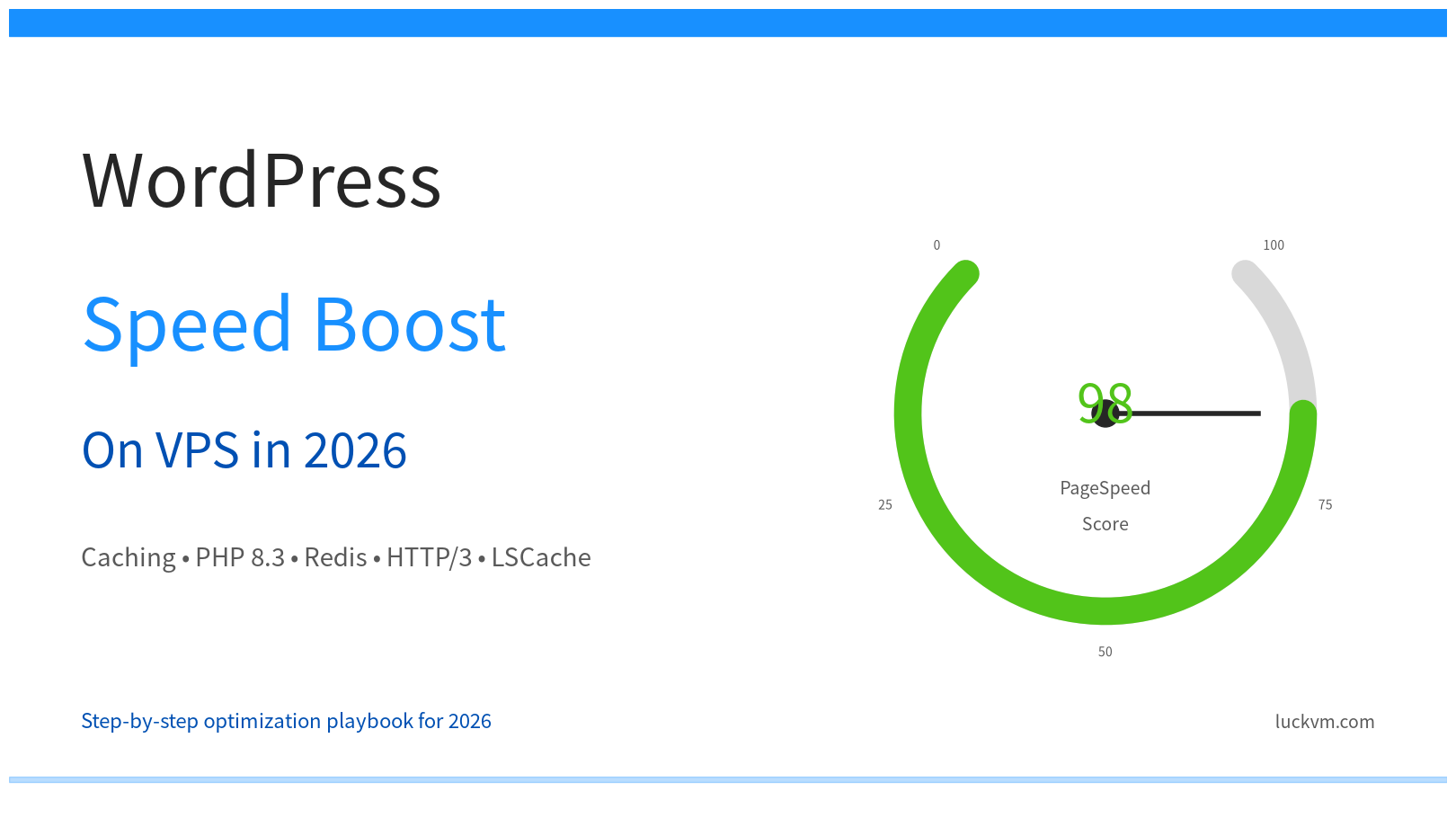
Speed up WordPress on a VPS with caching, database checks and resource monitoring. Identify bottlenecks before upgrading with this practical LuckVM guide.
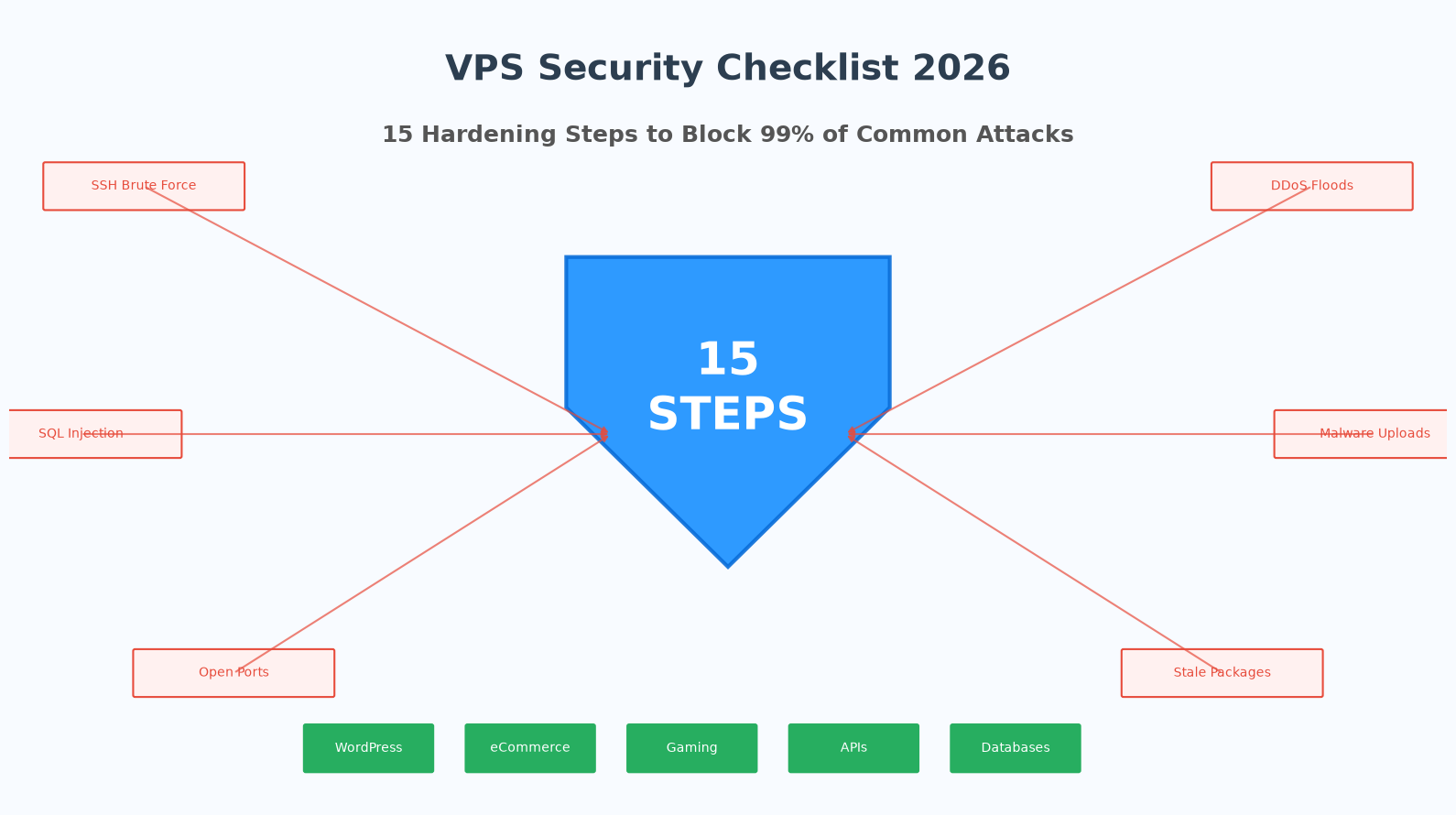
Review SSH access, permissions, firewall rules, updates and recovery before launch. Test a second login before changing access controls. Read the guide.
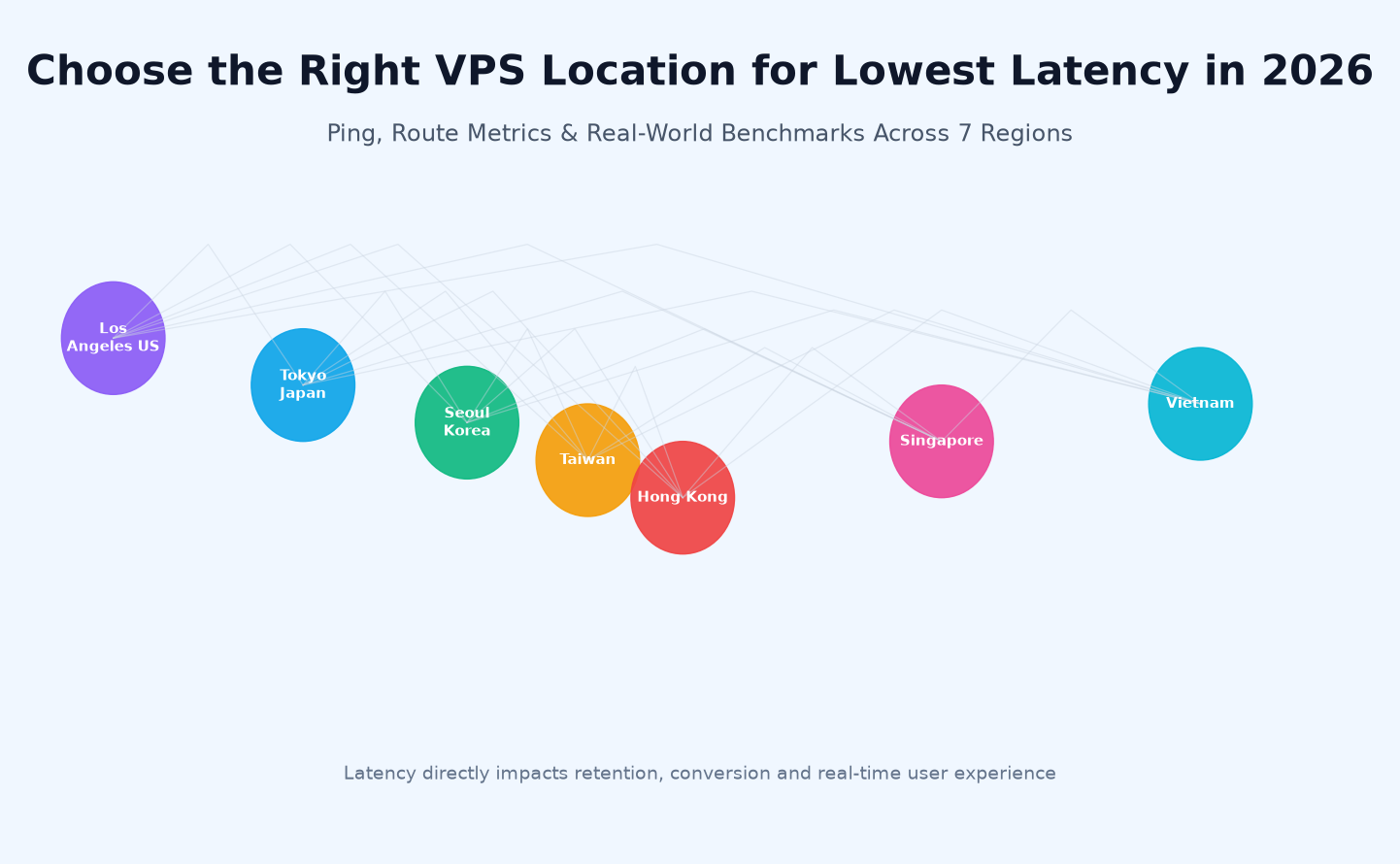
Compare user-to-server latency, ISP routing and application dependencies. Test from your customers' networks before choosing a region. Read the guide.
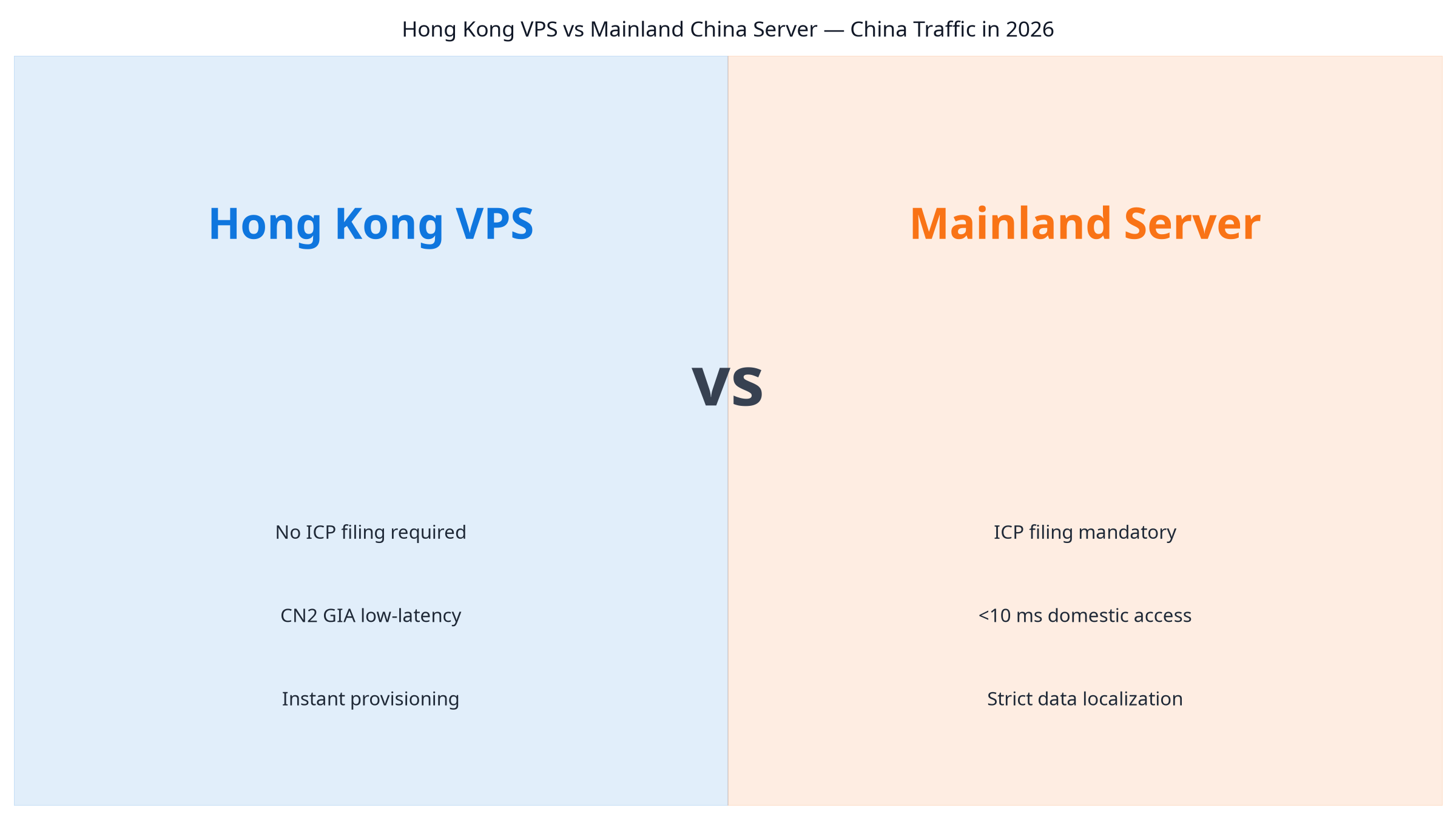
Compare audience location, network paths and the requirements applicable to the website and service. Read the LuckVM guide.
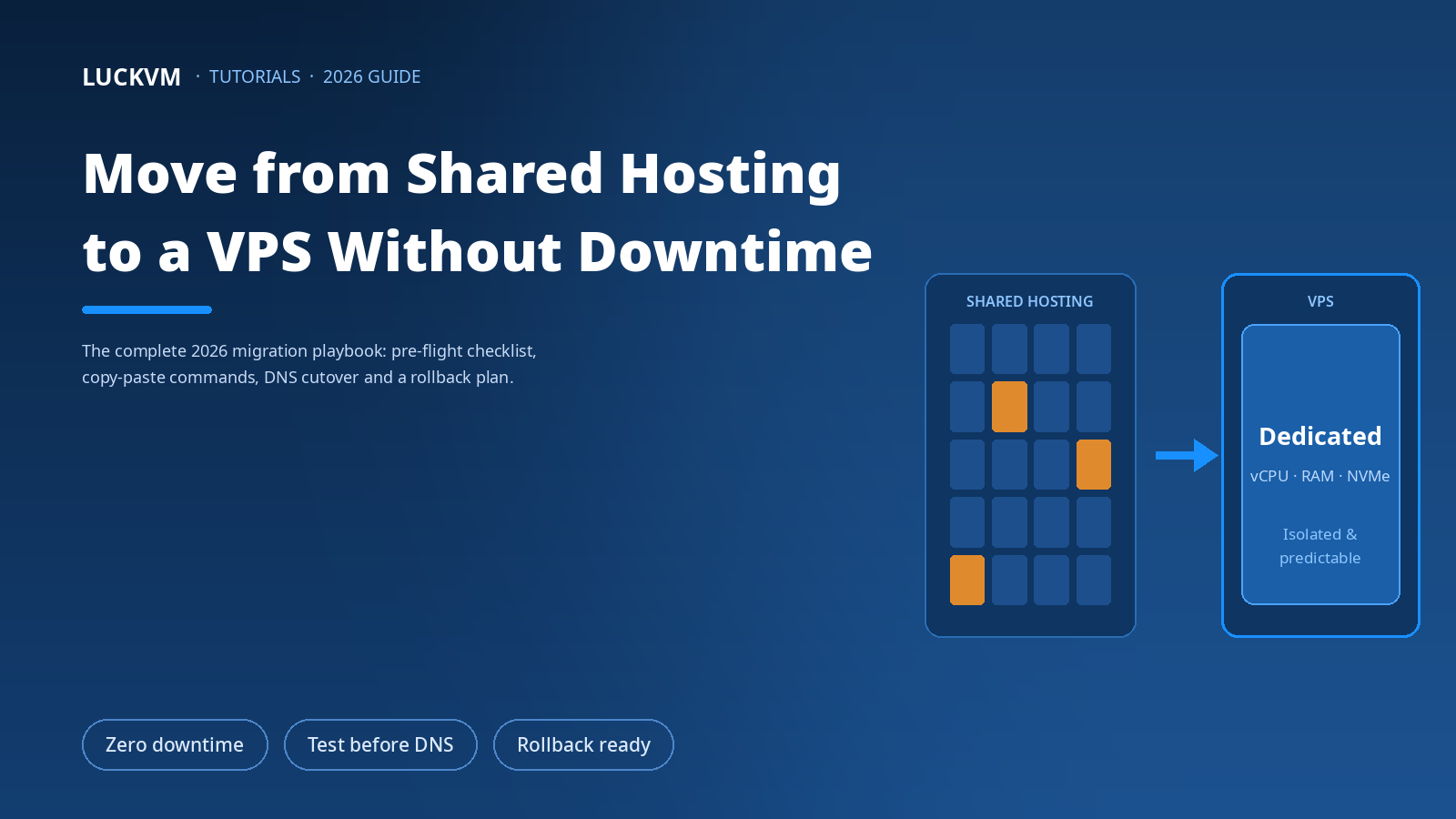
Move a website from shared hosting to a VPS. Plan file transfers, database migration, DNS changes and rollback with the LuckVM website migration guide.
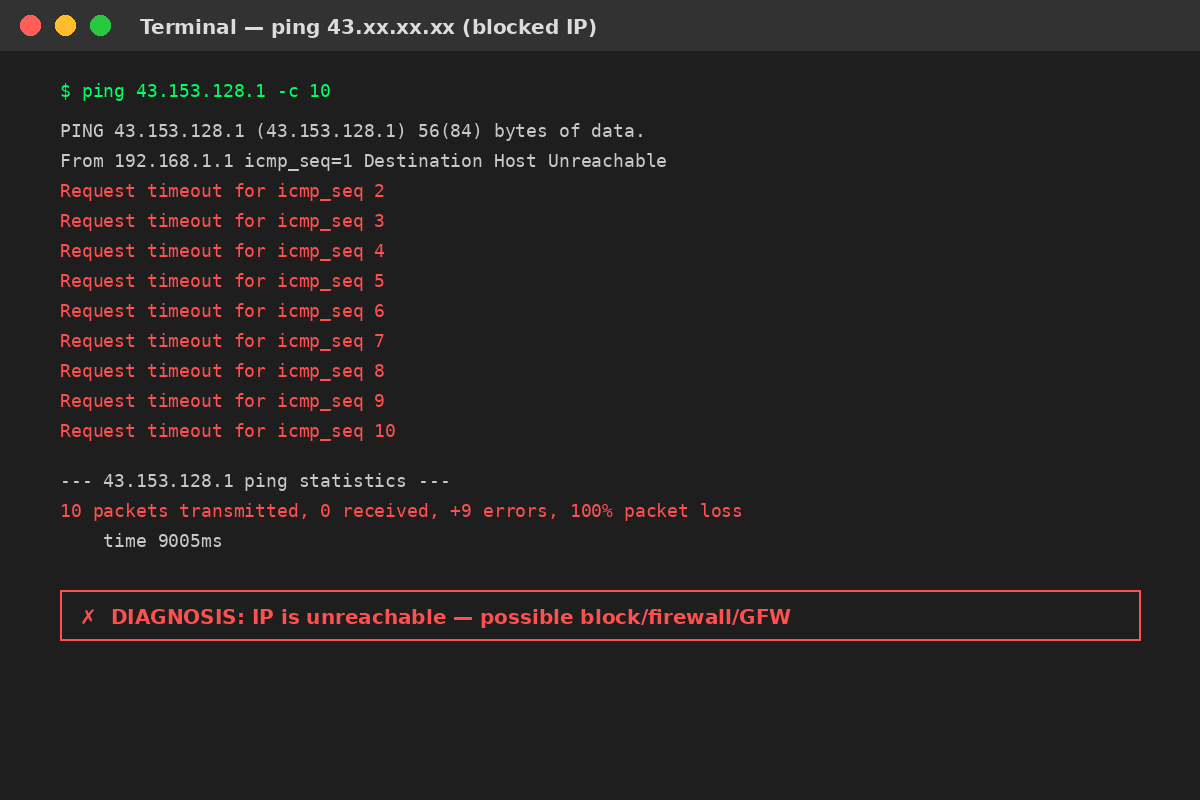
Diagnose a blocked or blacklisted VPS IP with connectivity, DNS and reputation checks. Collect evidence and plan recovery with this LuckVM troubleshooting guide.